20 (93) TX3 Touch Screen Installation Manual Version 3.4
Copyright 2015 LT-996
Enclosure Installation
To install the Touch Screen Kiosk base plate
1. Find a suitable location for the Kiosk next to the building entrance and
above the building electrical and communications conduit.
2. Remove the door from the Kiosk.
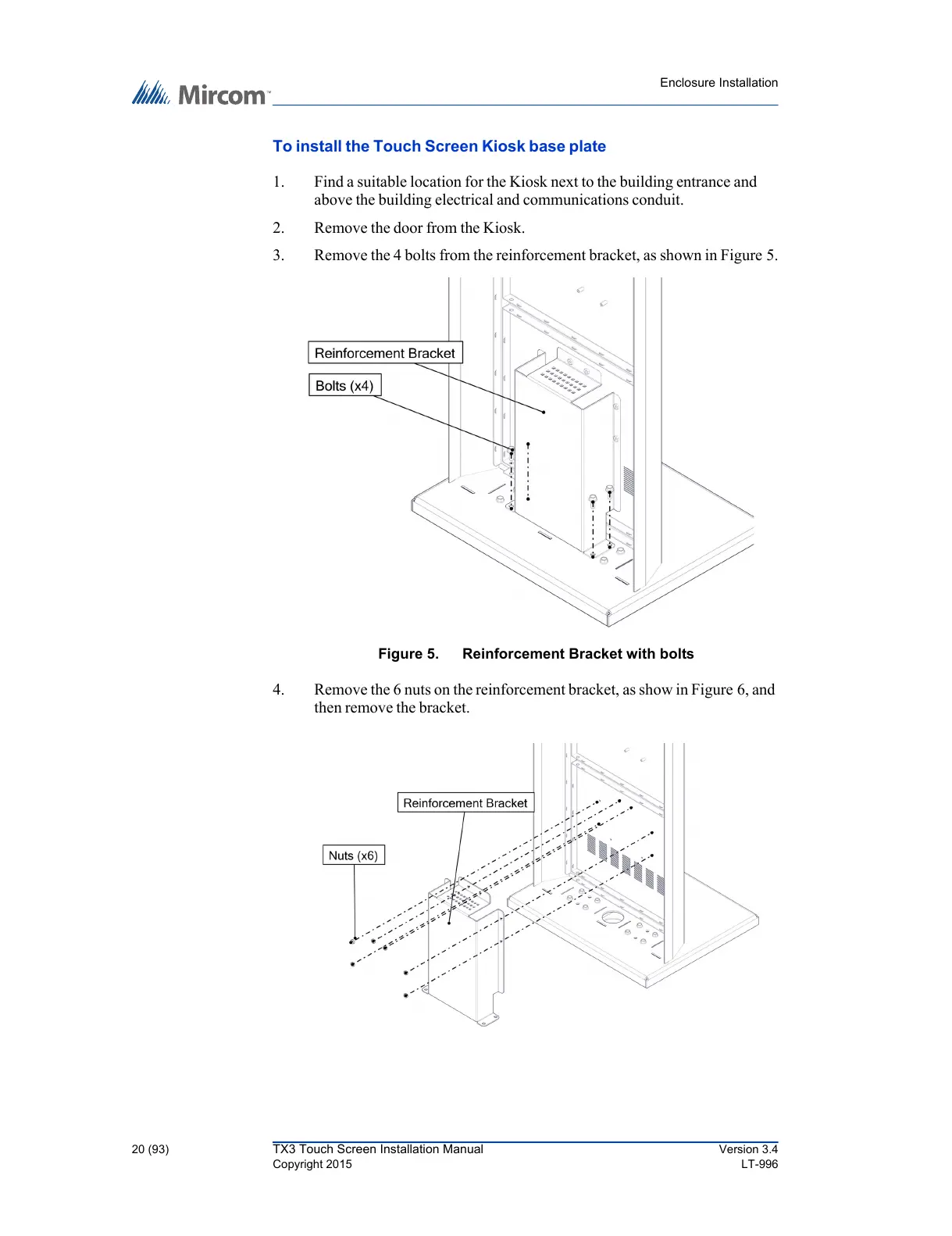
3. Remove the 4 bolts from the reinforcement bracket, as shown in Figure 5.
Figure 5. Reinforcement Bracket with bolts
4. Remove the 6 nuts on the reinforcement bracket, as show in Figure 6, and
then remove the bracket.



 To Next Page