24 (93) TX3 Touch Screen Installation Manual Version 3.4
Copyright 2015 LT-996
Enclosure Installation
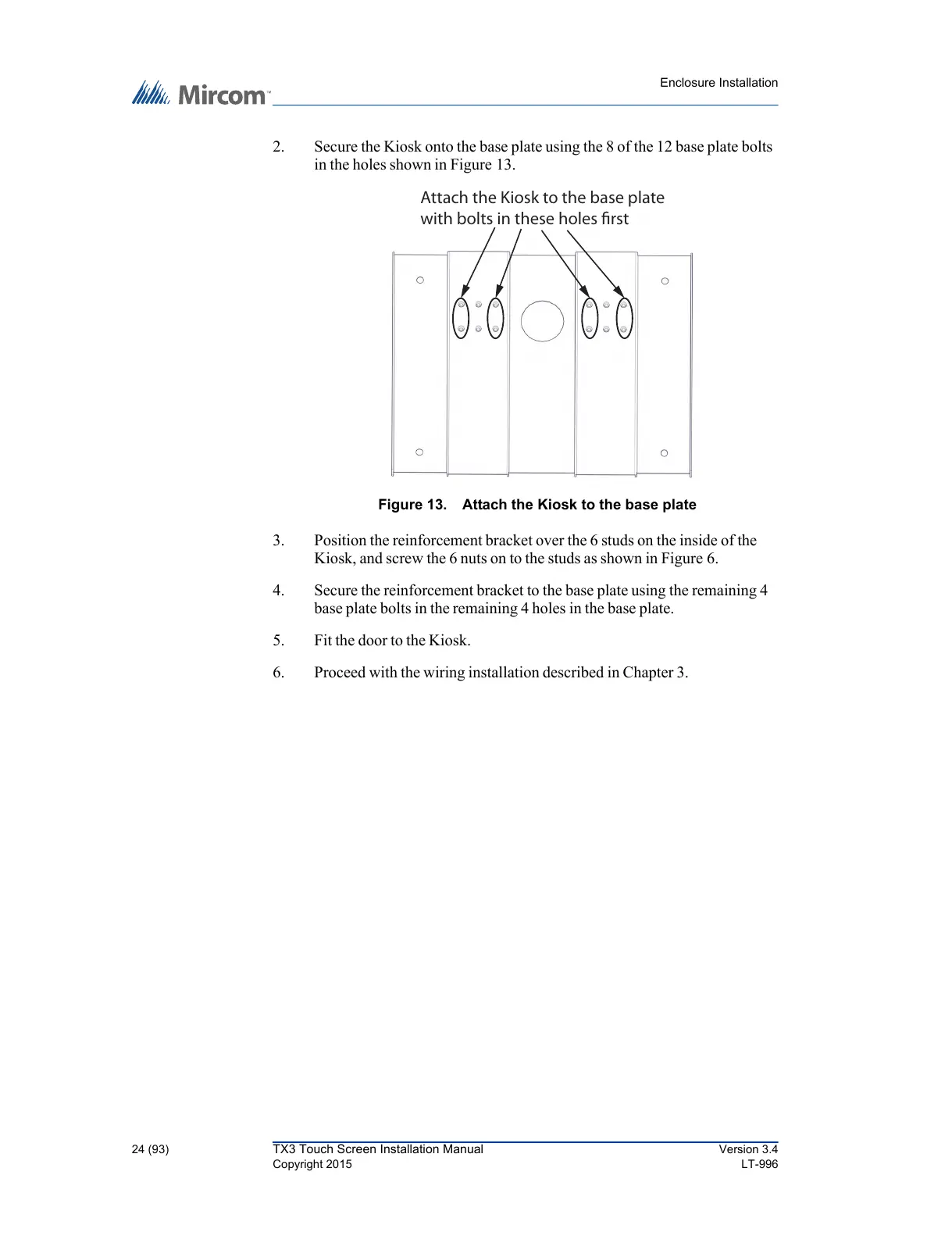
2. Secure the Kiosk onto the base plate using the 8 of the 12 base plate bolts
in the holes shown in Figure 13.
Figure 13. Attach the Kiosk to the base plate
3. Position the reinforcement bracket over the 6 studs on the inside of the
Kiosk, and screw the 6 nuts on to the studs as shown in Figure 6.
4. Secure the reinforcement bracket to the base plate using the remaining 4
base plate bolts in the remaining 4 holes in the base plate.
5. Fit the door to the Kiosk.
6. Proceed with the wiring installation described in Chapter 3.



 To Next Page