Touch Screen System and Setup
Version 3.4 TX3 Touch Screen Installation Manual 73 (93)
LT-996 Copyright 2015
3. Slide the display on to the four posts on the door and secure the four #6 nuts
on the posts.
Note: Make sure to install the display the right way up. The four buttons
should be on the bottom.
4. Adjust the screen so that it is flush with the front of the door panel, and then
tighten the 8 M4x8mm screws.
5. Connect the power, USB and DVI cables.
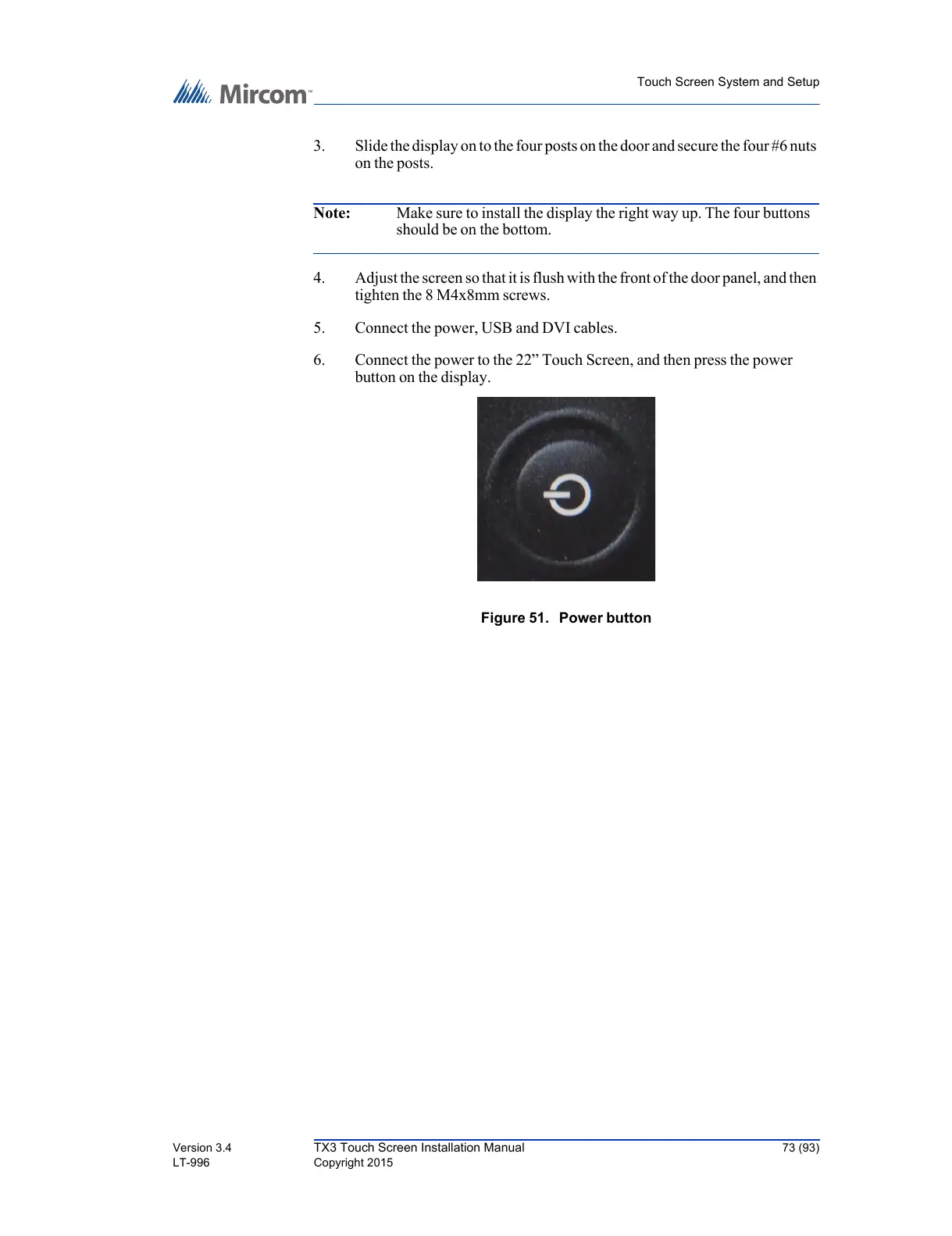
6. Connect the power to the 22” Touch Screen, and then press the power
button on the display.
Figure 51. Power button



 To Next Page