Enclosure Installation
Version 3.4 TX3 Touch Screen Installation Manual 23 (93)
LT-996 Copyright 2015
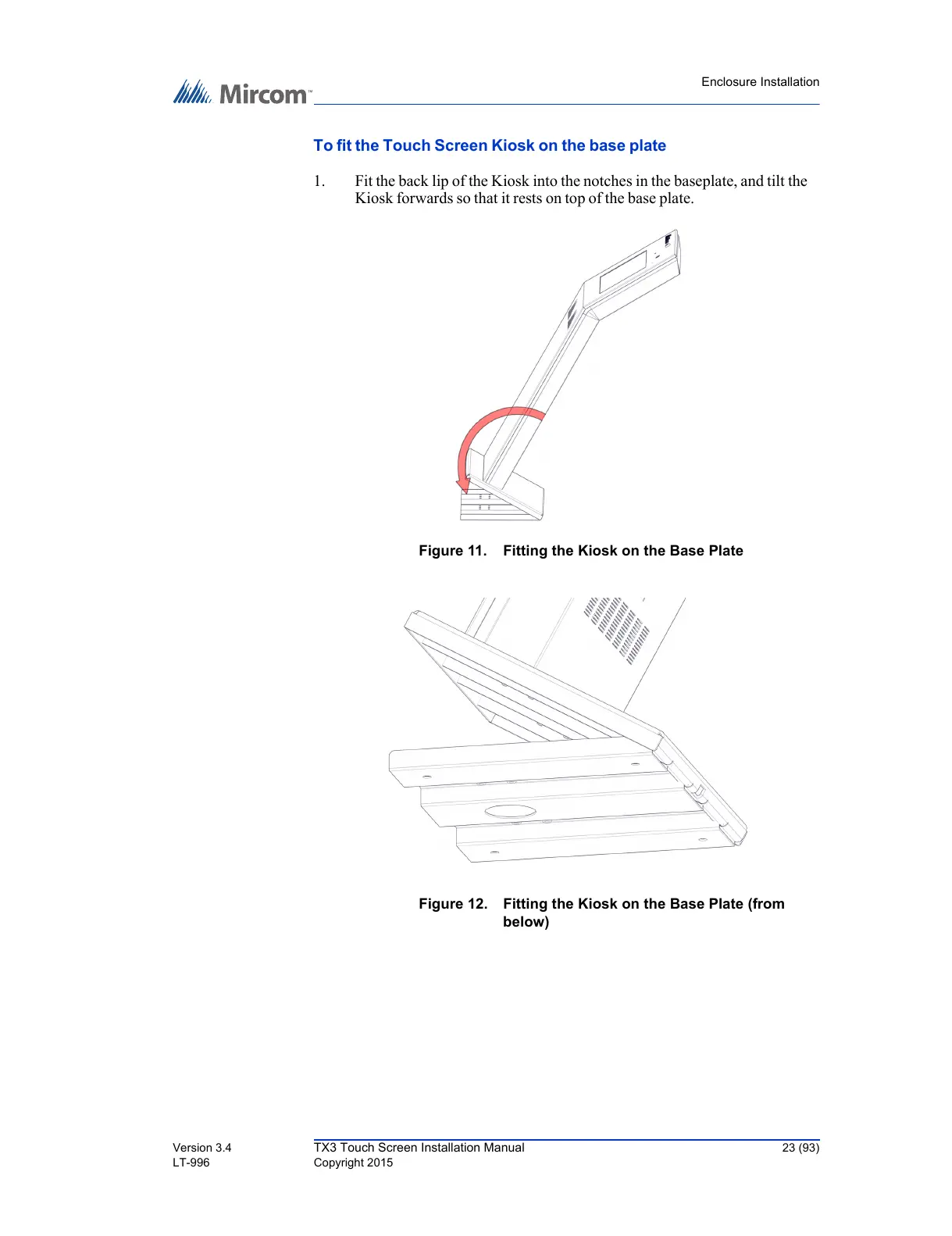
To fit the Touch Screen Kiosk on the base plate
1. Fit the back lip of the Kiosk into the notches in the baseplate, and tilt the
Kiosk forwards so that it rests on top of the base plate.
Figure 11. Fitting the Kiosk on the Base Plate
Figure 12. Fitting the Kiosk on the Base Plate (from
below)



 To Next Page