Enclosure Installation
Version 3.4 TX3 Touch Screen Installation Manual 29 (93)
LT-996 Copyright 2015
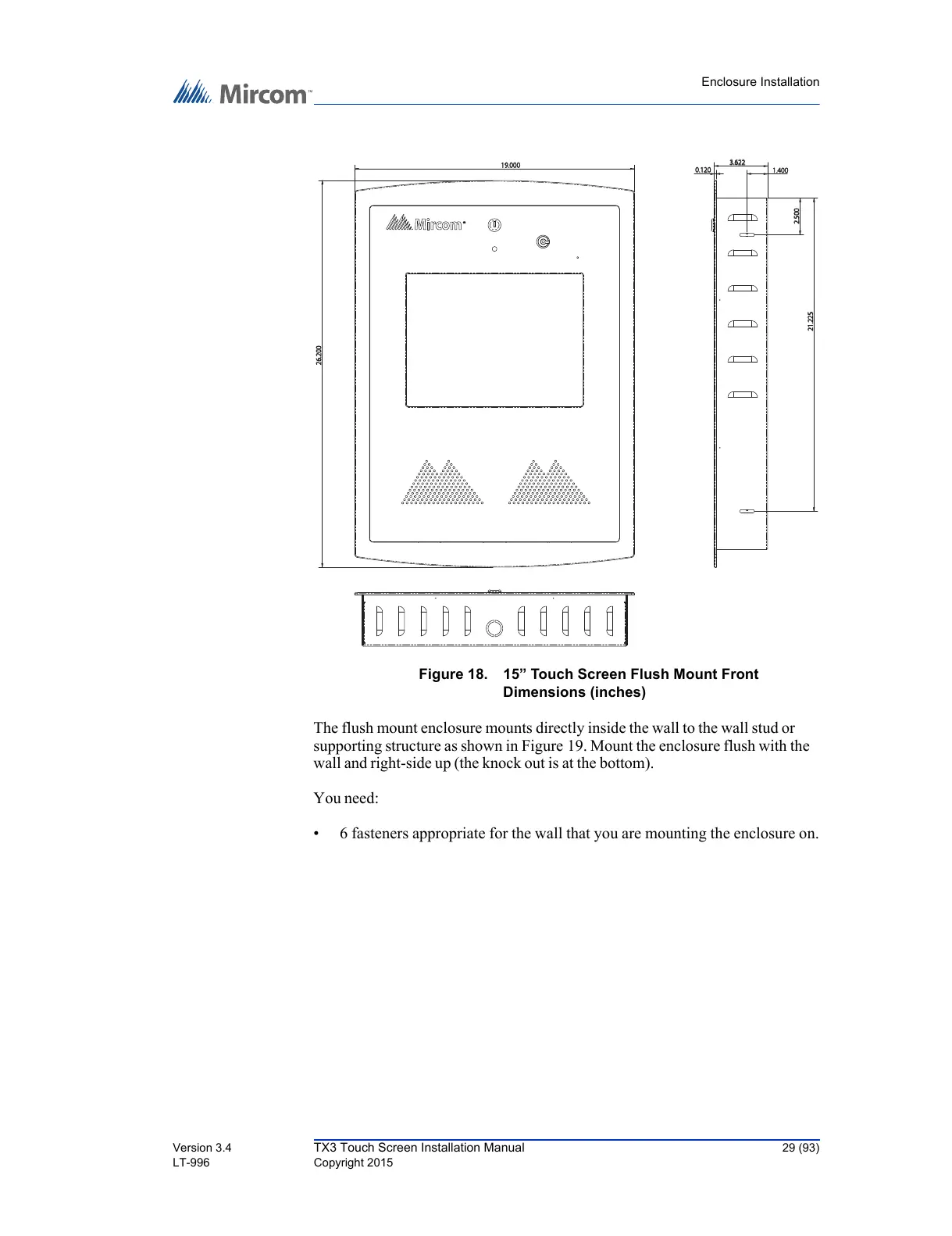
Figure 18. 15” Touch Screen Flush Mount Front
Dimensions (inches)
The flush mount enclosure mounts directly inside the wall to the wall stud or
supporting structure as shown in Figure 19. Mount the enclosure flush with the
wall and right-side up (the knock out is at the bottom).
You need:
• 6 fasteners appropriate for the wall that you are mounting the enclosure on.
26.200



 To Next Page