Enclosure Installation
Version 3.4 TX3 Touch Screen Installation Manual 47 (93)
LT-996 Copyright 2015
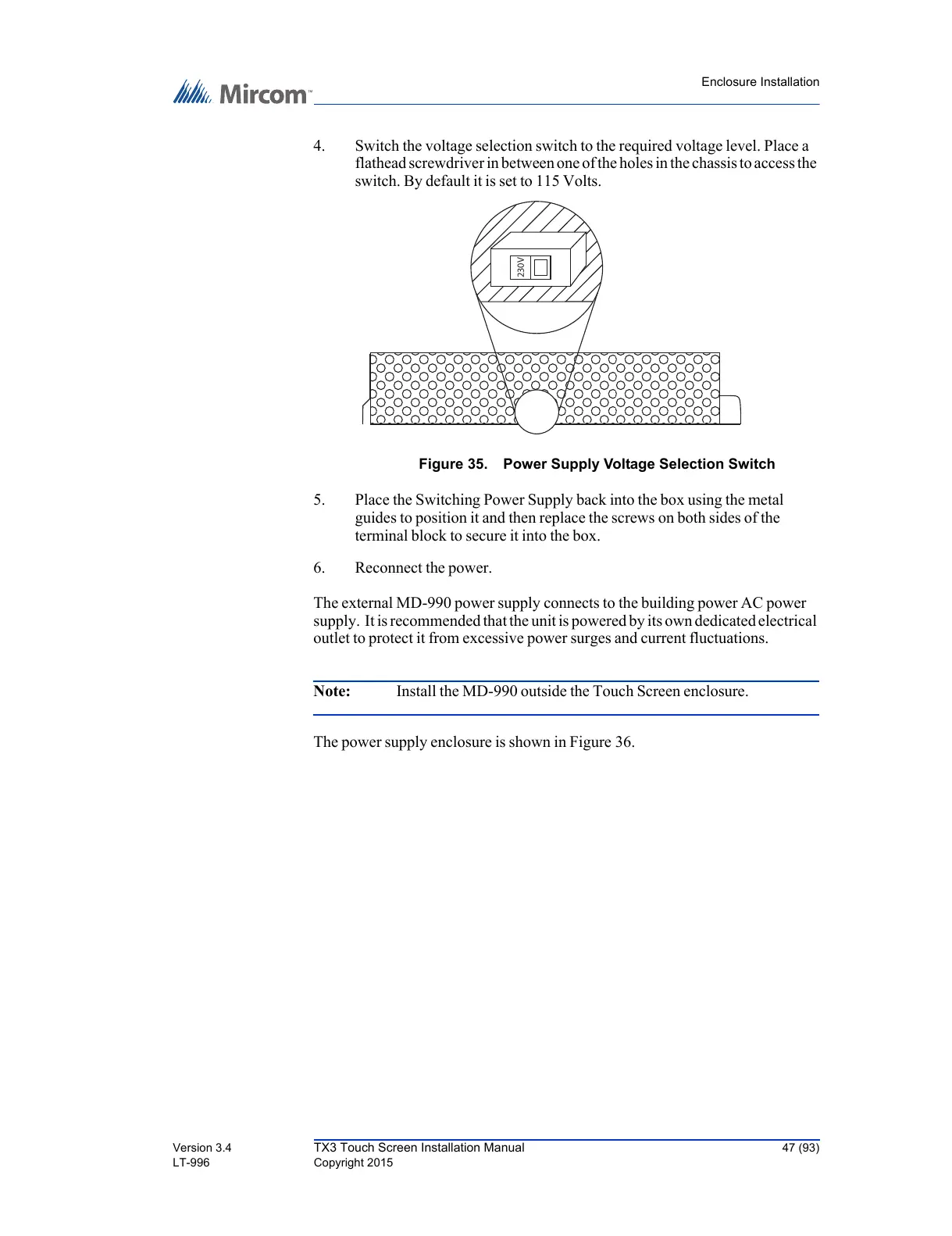
4. Switch the voltage selection switch to the required voltage level. Place a
flathead screwdriver in between one of the holes in the chassis to access the
switch. By default it is set to 115 Volts.
Figure 35. Power Supply Voltage Selection Switch
5. Place the Switching Power Supply back into the box using the metal
guides to position it and then replace the screws on both sides of the
terminal block to secure it into the box.
6. Reconnect the power.
The external MD-990 power supply connects to the building power AC power
supply. It is recommended that the unit is powered by its own dedicated electrical
outlet to protect it from excessive power surges and current fluctuations.
Note: Install the MD-990 outside the Touch Screen enclosure.
The power supply enclosure is shown in Figure 36.



 To Next Page