System Overview 2-17
No. Name Description Function
<56>. / Pressable
knob
Multifunctional knob.
<57>. Menu Menu Press to display or hide a mode-specific
parameter menu.
<58>. Freeze Freeze Press to freeze or unfreeze the image.
<59>. / Set Press to confirm an operation, same as the
left-button of the mouse.
<60>. / Trackball Roll the trackball to change the cursor position.
<61>. / Set Press to confirm an operation, same as the
left-button of the mouse.
Functions of combined keys:
No. Mode Combined
keys
Function
<1> / Fn+→ End
<2> / Fn+← Home
<3> / Fn+↑ Page Up
<4> / Fn+↓ Page Down
<5> / Ctrl+ M Input symbol♂
<6> / Ctrl+F Input symbol♀
<8> iStation Ctrl+ A To select all items
<9> iStation Ctrl+ X To cut the selected item
<10> iStation Ctrl+ C To copy the selected item
<11> iStation Ctrl+ V To paste the selected item
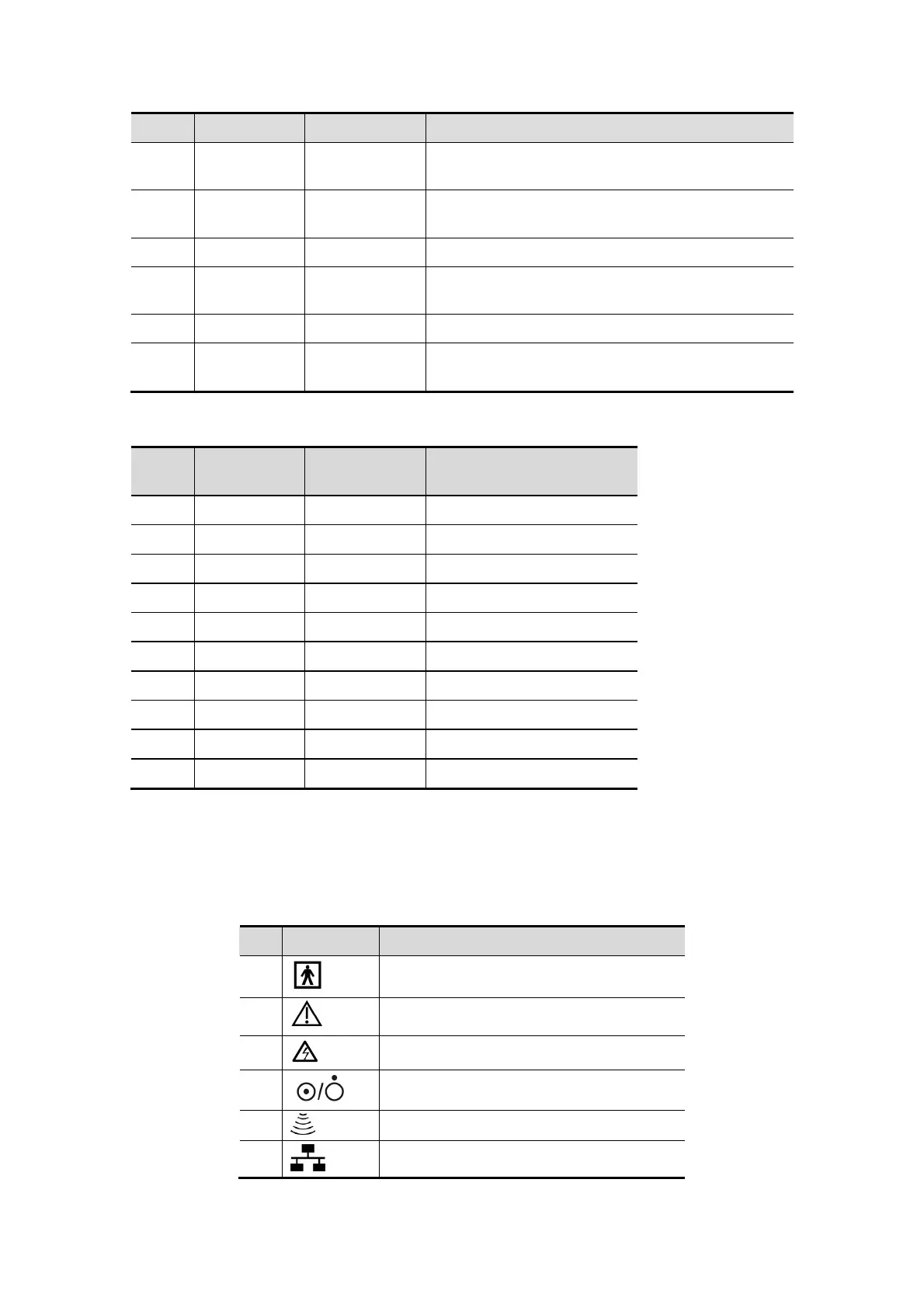
2.11 Symbols
This system uses the symbols listed in the following table, and their meanings are
explained as well.
No. Symbol Description
1
Type-BF applied part
2
General warning, caution, risk of danger
3
Dangerous voltage
4
Power button
5
Probe port
6
Network port



 To Next Page