53
Procedures
2
Change of S2 set value
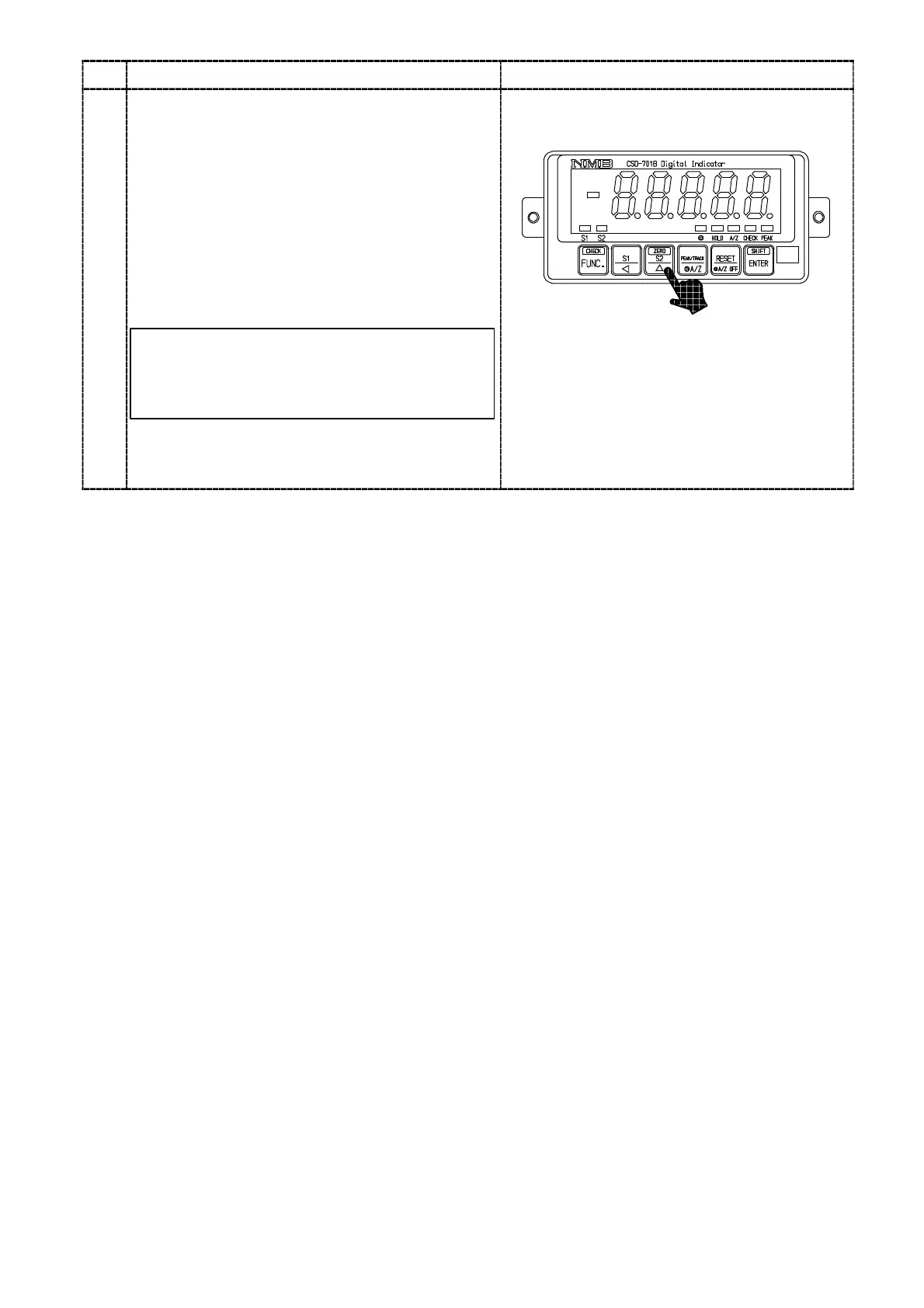
In the Measurement mode, pressing the
key
makes the 10
0
digit and the S2 judgement display
on the front panel load display flashing on and
off, then change of S2 setting can be available.
Every time the
key is pressed, the flashing
digit will change from 10
0
digit→10
1
digit→
10
2
digit→10
3
digit→10
4
digit→Polarity(POL)→
10
0
digit. Change the set value by the key
after flashing the digit which is desired to change.
If you keep the instrument untouched for
approx. 20 seconds in the condition of change
of setting is available, the Measurement mode
can be re−entered automatically.
After fixing up the change, press the
key.
Make the set value effective, then the
Measurement mode can be entered again.
:Set value carry key
:Set value inclement key
:Set value initialization key
(Make the set value to “0”.)



 To Next Page