58
7−3. How to use the filter
The instrument has the digital filter to which the data converted into digital is stabilized by the
calculation processing.
Warning ● When setting filter is not suitable, correct measurement can’t be made
and it may cause an unexpected accident, so care should be taken
fully.
7−3−1. Digital filter
The digital filter for the instrument can be set from “00000” to “00007”.
The averaged−out times of digital filter can be decided from the set value (Related function
F−04)
As for default, “00004” is selected.
The relations between the setting and the averaged−out times are as follows:
(Averaged−out times)=2
n
n:Set value
For example, when “00004” is selected, averaged out times is as follows:
(Averaged−out times)=2
4
=16(Times)
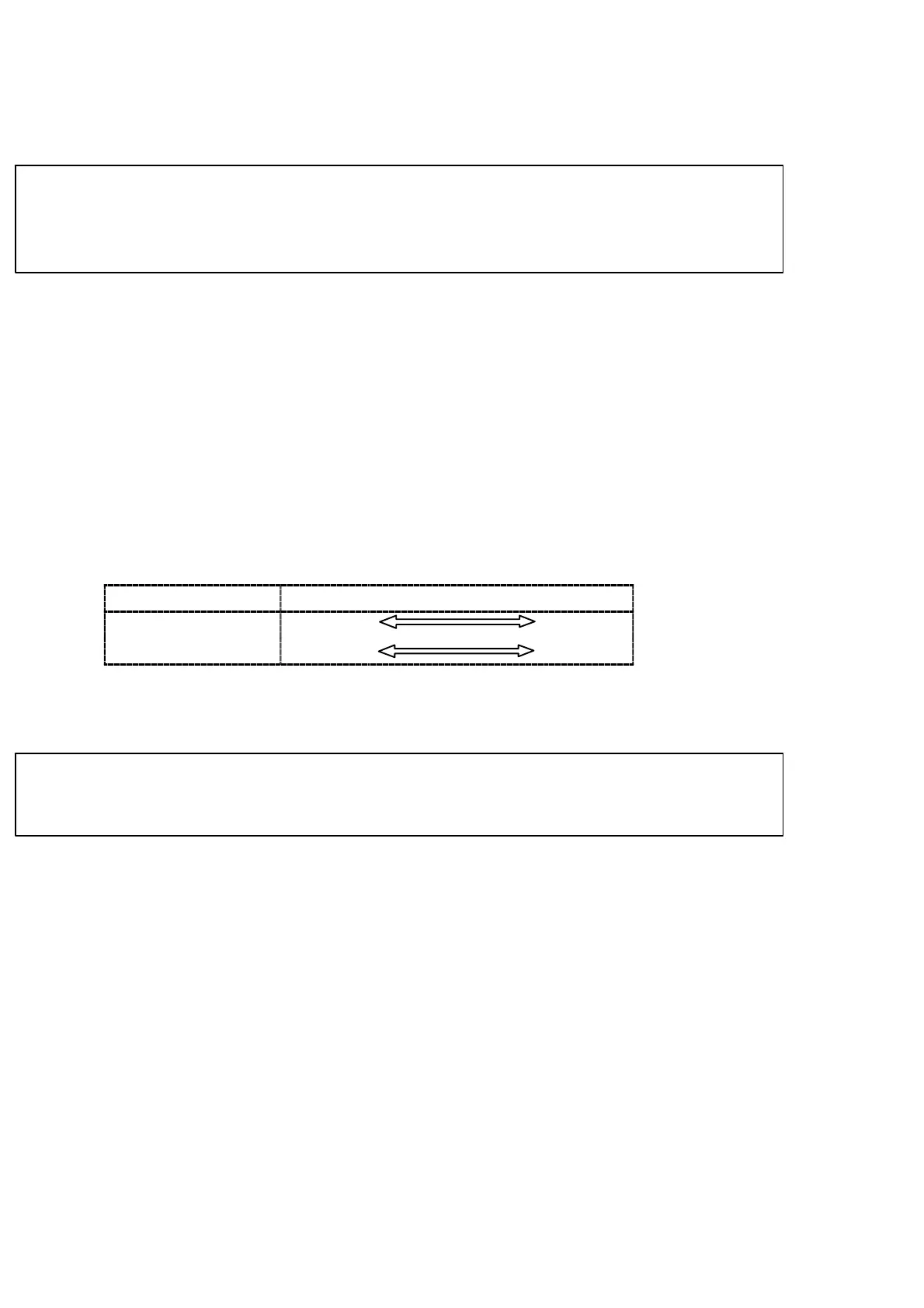
The tendency to the characteristic by the leveling frequency is shown in the table below.:
Averaged out times
low high
Resist to noise rapid stable
Response speed quick slow
7−4. Zero tracking
The instrument prepares the zero tracking in order to compensate for slow drift of zero.
● Effective only when the A/Z mode is selected. (Related function
F−70)
7−4−1. What is zero tracking?
D Zero tracking is a function to cancel the slow drift of zero within the constant conditions,
and also to follow the zero point of the instrument in order to stabilize zero point.
D When the data variation within the set time with function F−09 is within the set value set
with the function F−08 against the zero point, then the input will be cancelled as the zero
point. However, when the zero point compensation for the total “±10 % of the maximum
display value” at the zero tracking and zero set are completed until that time, the further
directional zero tracking will not executed.



 To Next Page