ioLogik E2210 User’s Manual Using ioAdmin
3-3
Configuration File
ioAdmin allows the entire
configuration of the ioLogik E2210
to be saved as a file. The file is
viewable as text and can serve three
purposes:
z as a record or backup of
configuration
z as a template for the
configuration of other servers
z as a quick reference guide for
you to configure Modbus drivers
in a SCADA system
The file includes the following
information:
1. file title, date, and time
2. model information
3. Modbus address
ioAdmin Main Screen
Main Screen Overview
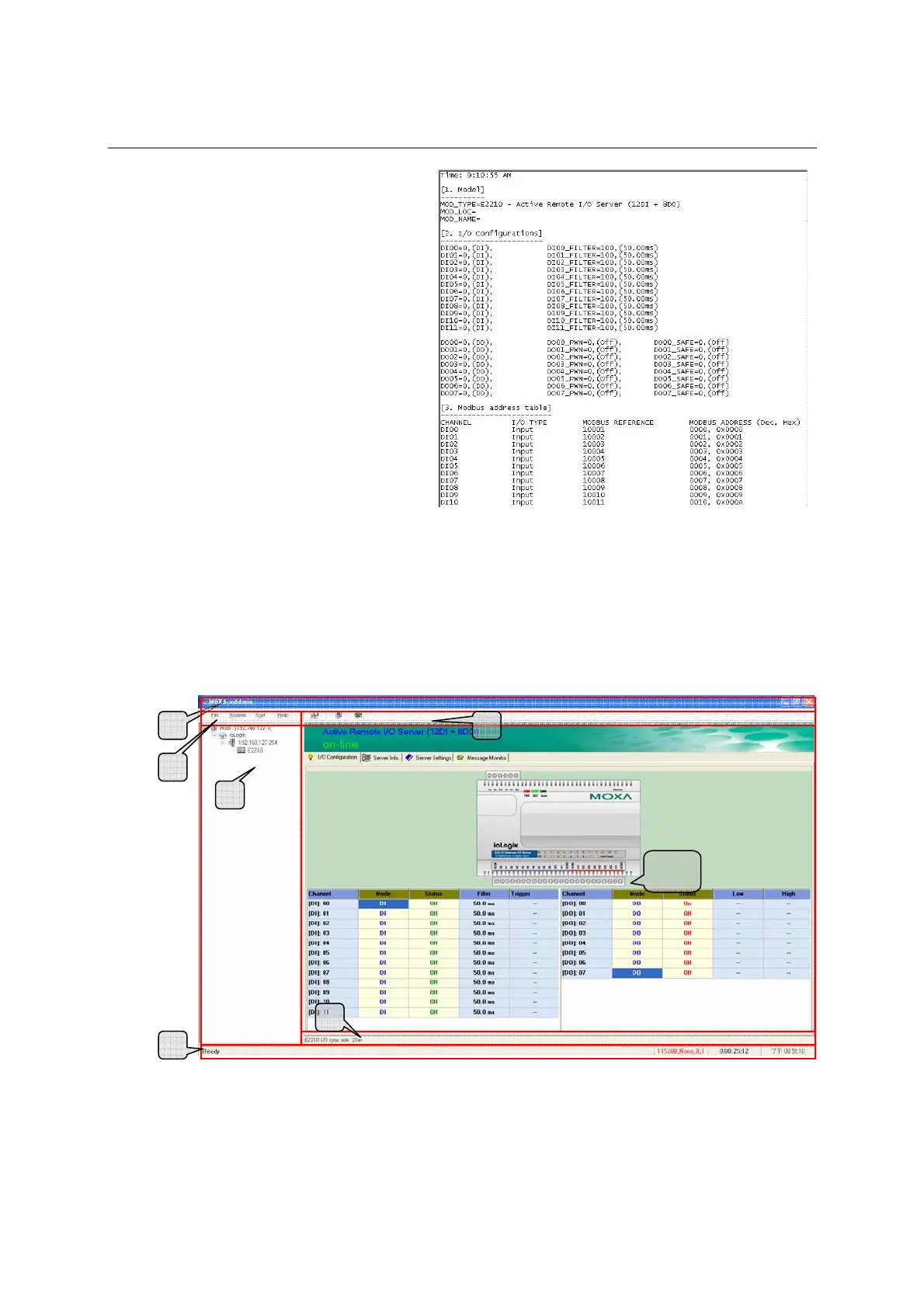
This is ioAdmin’s main screen. The main window defaults to the I/O Configuration tab, which displays a
figure of the ioLogik E2210 and the status of every I/O channel below it. The other tabs in the main
window take you to server and network settings, and further functions are available when you log on as an
administrator. Note that configuration options are not available until you log on as an administrator.
1
2
4
6
5
3
7







 To Next Page