ioLogik E2210 User’s Manual Click&Go Logic
5-4
Click&Go Logic Basics
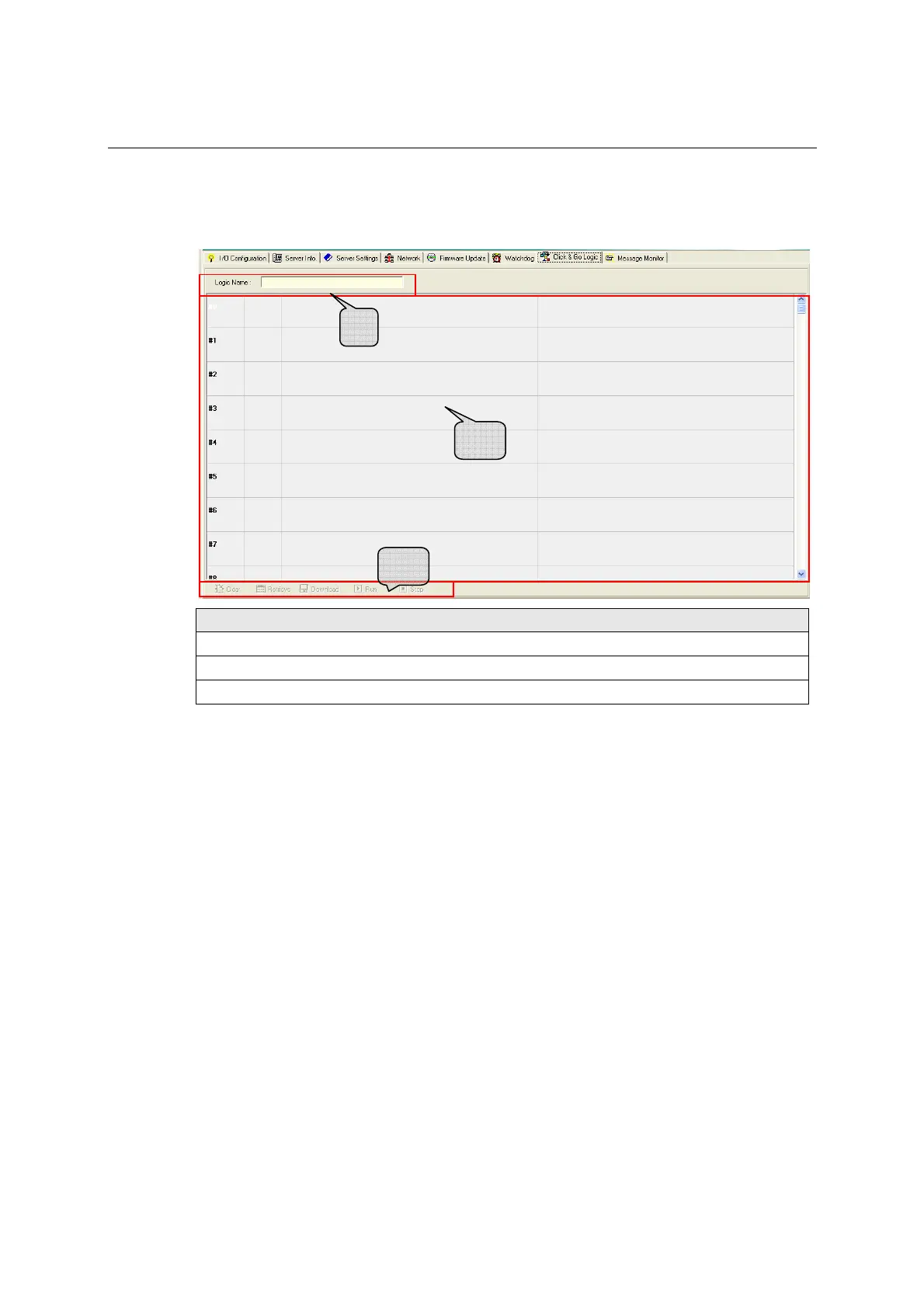
To use Click&Go Logic, open ioAdmin and log on as an administrator on the Server Settings tab. Once
you are logged on, go to the Click&Go Logic tab. It should appear as below:
Click&Go Logic Tab
1. Logic Name: In this field, you may assign a name for the set of rules.
2. Rules List: In this area, each rule’s conditions, actions, and status are displayed.
3. Ruleset Management Bar: In this area, you manage the ruleset
Working with Rules
Rules are the building blocks of your Active Ethernet I/O system. With rules, you define the exact trigger
conditions for transmission of I/O information as well as the content and destination of that information.
DO operation can also be automated through DI trigger conditions or mapped directly to a remote DI
channel on another ioLogik E2210.
In the main screen, you will see a list of the rules in the current ruleset. Double click on a rule to open that
rule’s configuration window, or double click on an empty rule to start a new rule.
1
2
3







 To Next Page