ioLogik E2210 User’s Manual Using ioAdmin
3-4
ioAdmin Main Screen
1. Title
2. Menu bar
3. Quick link
4. Navigation panel
5. Main window
6. Sync. rate status
7. Status bar
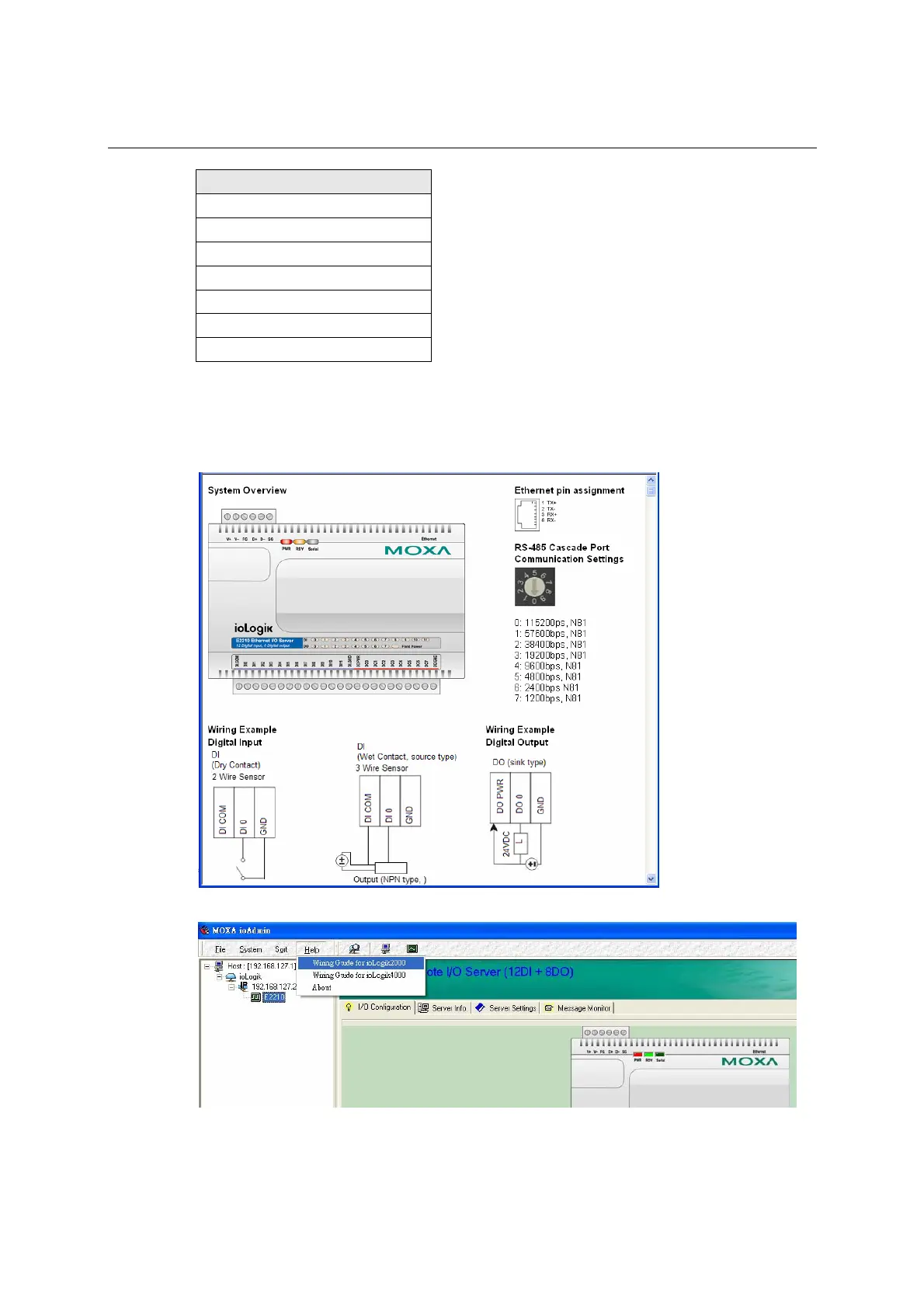
Wiring Guide
ioAdmin provides a wiring guide to the ioLogik E2210. You may access the wiring guide by
right-clicking the figure of the ioLogik E2210 in the I/O Configuration tab. Select “Wiring Guide” in the
submenu to open a help file showing the wiring information and electrical characteristics of the ioLogik
E2210.
You may also access the On-line Wiring Guide through the Help menu on the menu bar.







 To Next Page