NPort 6000 Series System Configuration Settings
Backup/Restore
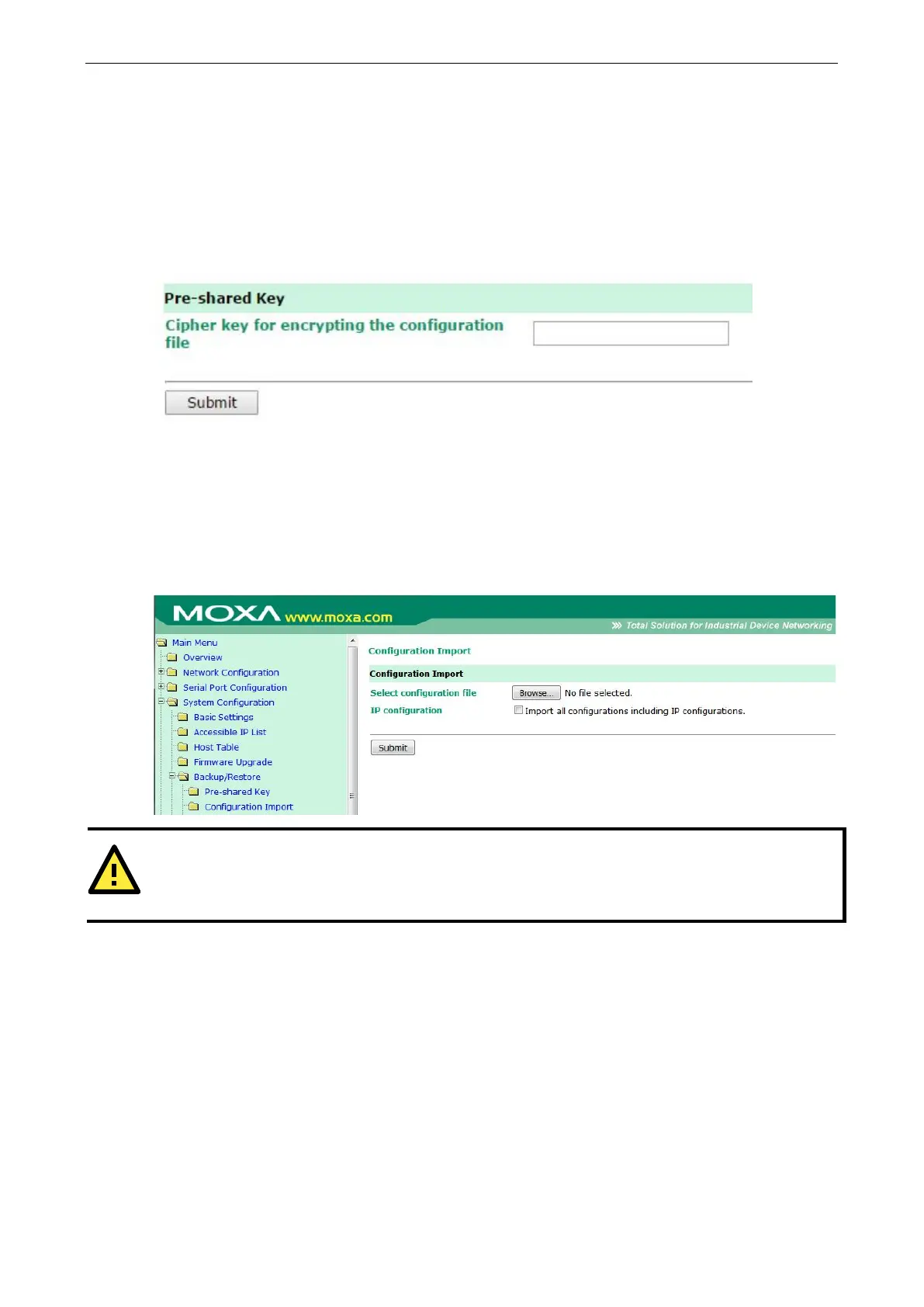
Pre-Shared Key
The NPort 6000 can share or back up its configuration by exporting all settings to a file, which can then be
imported into another NPort 6000. The exported file will be encrypted by a pre-shared key assigned by the user.
(The default cipher key is moxa.)
Configuration Import
To import a configuration, go to Backup/Restore
Configuration Import. Enter the configuration file
path/name and click Submit. The NPort 6000’s configuration settings will be updated according to the
configuration file. If you also wish to import the IP configuration (i.e., the NPort 6000’s IP address, netmask,
gateway, etc.), make sure that Import all configurations including IP configurations is checked.
Pre-shared Key of imported configuration file is different from the Pre-shared Key assigned by the
user for this NPort 6000 device, the configuration import process would fail.


 To Next Page
 Loading...










