NPort 6000 Series RADIUS Server
Setting up Windows 2000 Hosts
1. Open Start Programs Administrative Tools Routing and Remote Access.
2. Right click Server (Local) and select Configure and Enable Routing and Remote Access. Click Next
to continue.
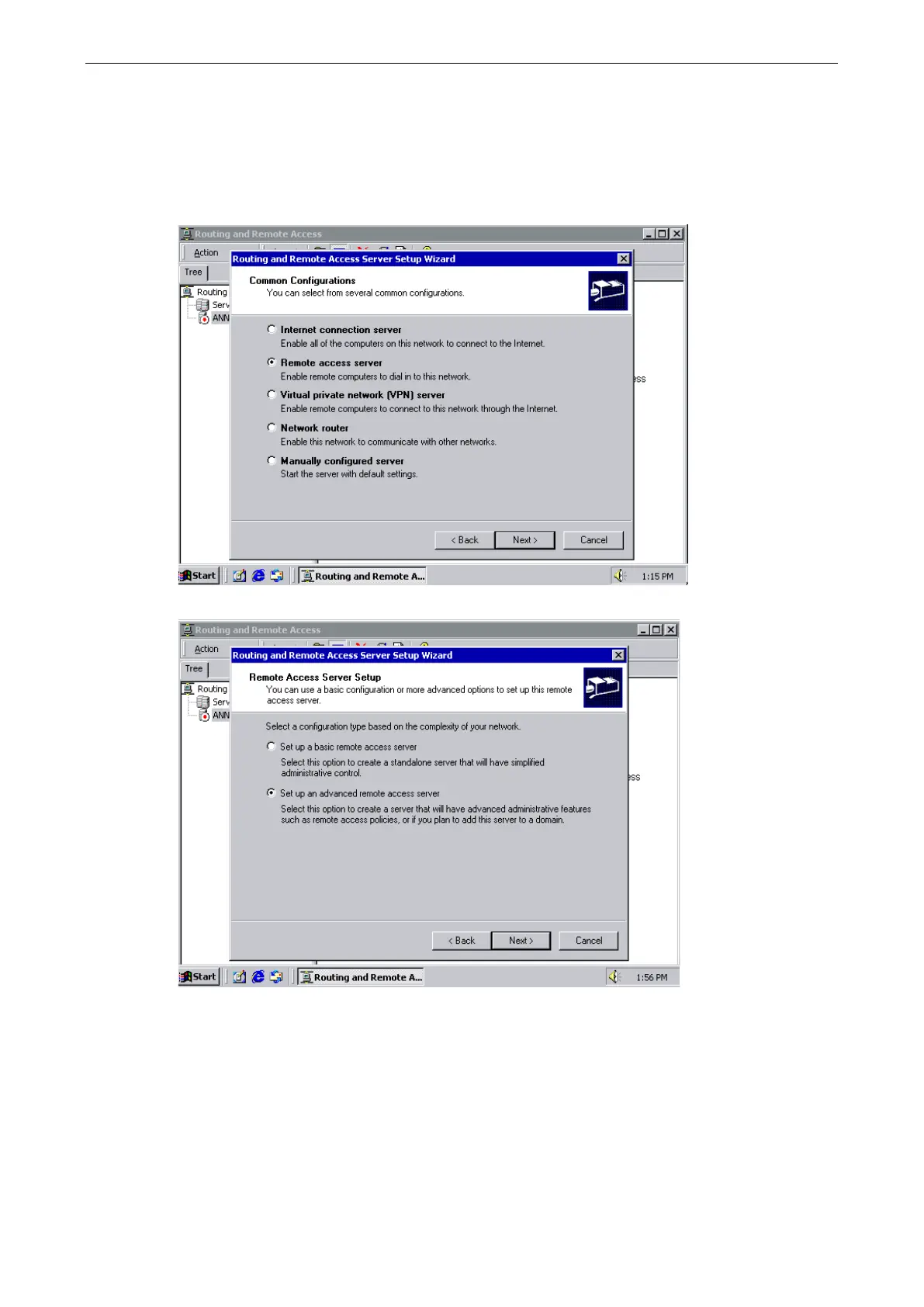
3. Select Remote access server and click Next to continue.
4. Select Set up an advanced remote access server and click Next to continue.


 To Next Page
 Loading...









