NPort 6000 Series Administration Settings
Account Management
The Account Management setting provides administrators the authority to add/delete/modify an user account,
grant access to the device users for specified function groups, and manage password and login policy to ensure
device is used by a proper set of people.
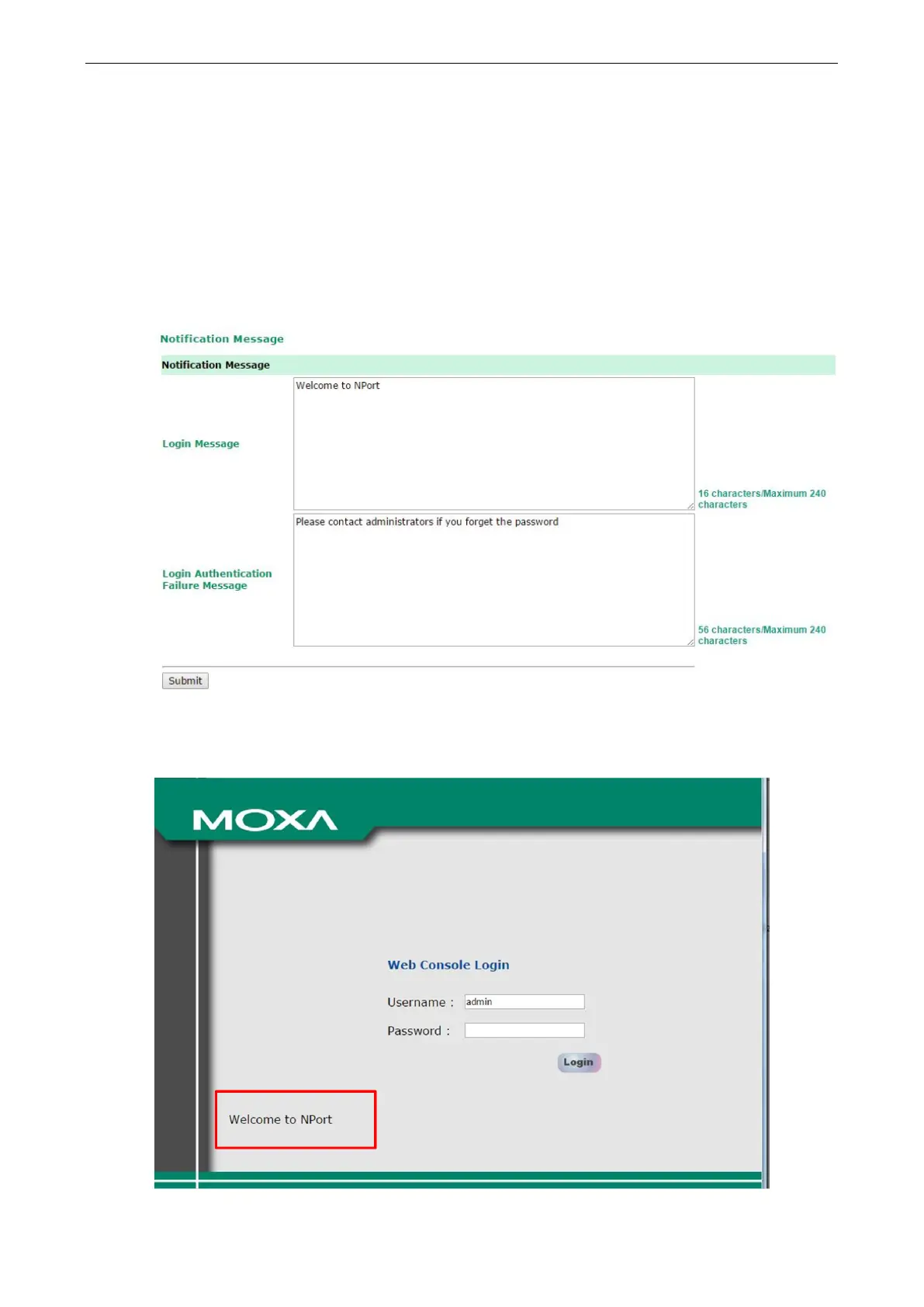
Notification Message
As an administrator, you are allowed to customize your Login Message and the Login Authentication
Failure Message to notify users with information you would like to provide.
The message will appear on the log-in page at the time of a successful login or login failure. Examples are
shown below.


 To Next Page
 Loading...










