NPort 6000 Series Module Settings
Redundant Ports
Setting Description Factory Default
1st Redundant Port Select any LAN port of the NPort 6000 to be one of the
redundant ports.
Port 1
2nd Redundant Port Select any LAN port of the NPort 6000 to be one of the
redundant ports.
Port 2
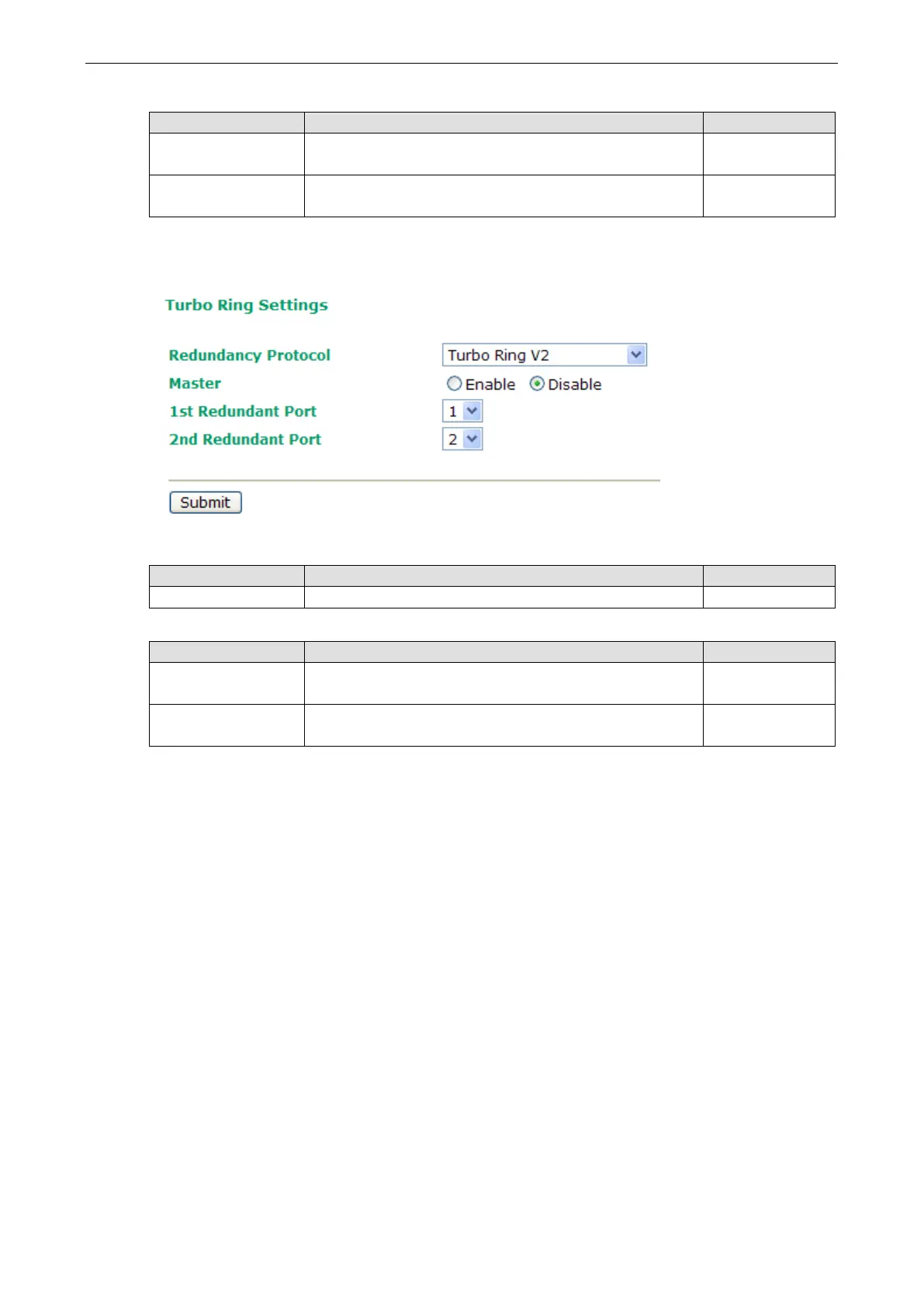
Configuring Turbo Ring 2
Master
Setting Description Factory Default
Enable/Disable Enable or Disable this NPort 6000 as the master. Disable
Redundant Ports
Setting Description Factory Default
1st Redundant Port Select any LAN port of the NPort 6000 to be one of the
redundant ports.
Port 1
2nd Redundant Port Select any LAN port of the NPort 6000 to be one of the
redundant ports.
Port 2


 To Next Page
 Loading...










