NPort 6000 Series RADIUS Server
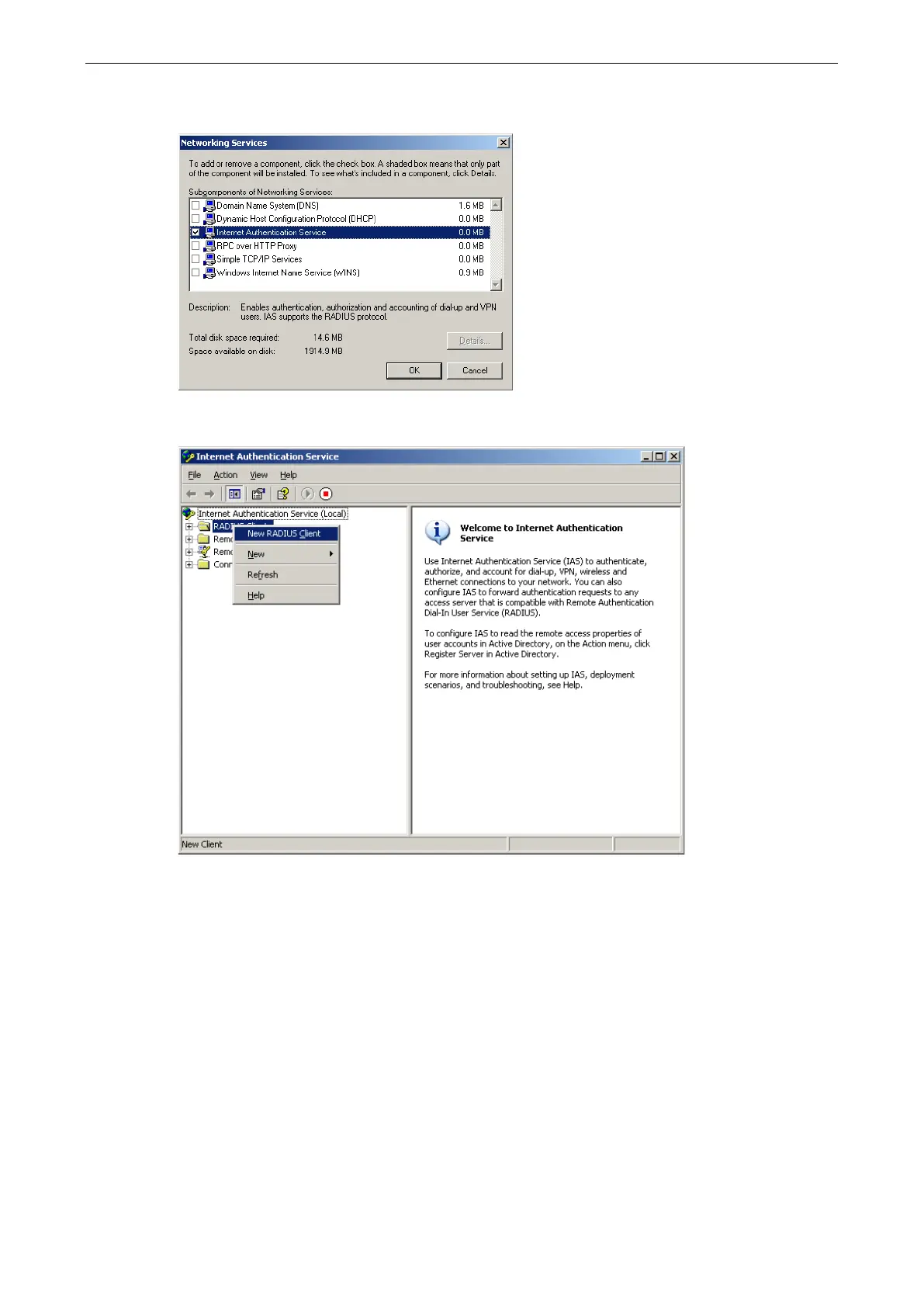
3. Select Details and then select Internet Authentication Service. Continue clicking OK until the
installation is complete.
4. After the installation is complete, click Administrative Tools and run the Internet Authentication
Service. This will open the following window.
5. Select New RADIUS Client to add a new RADIUS client. You will then be able to begin using this function.


 To Previous Page
 Loading...










