NPort 6000 Series Initial IP Address Configuration
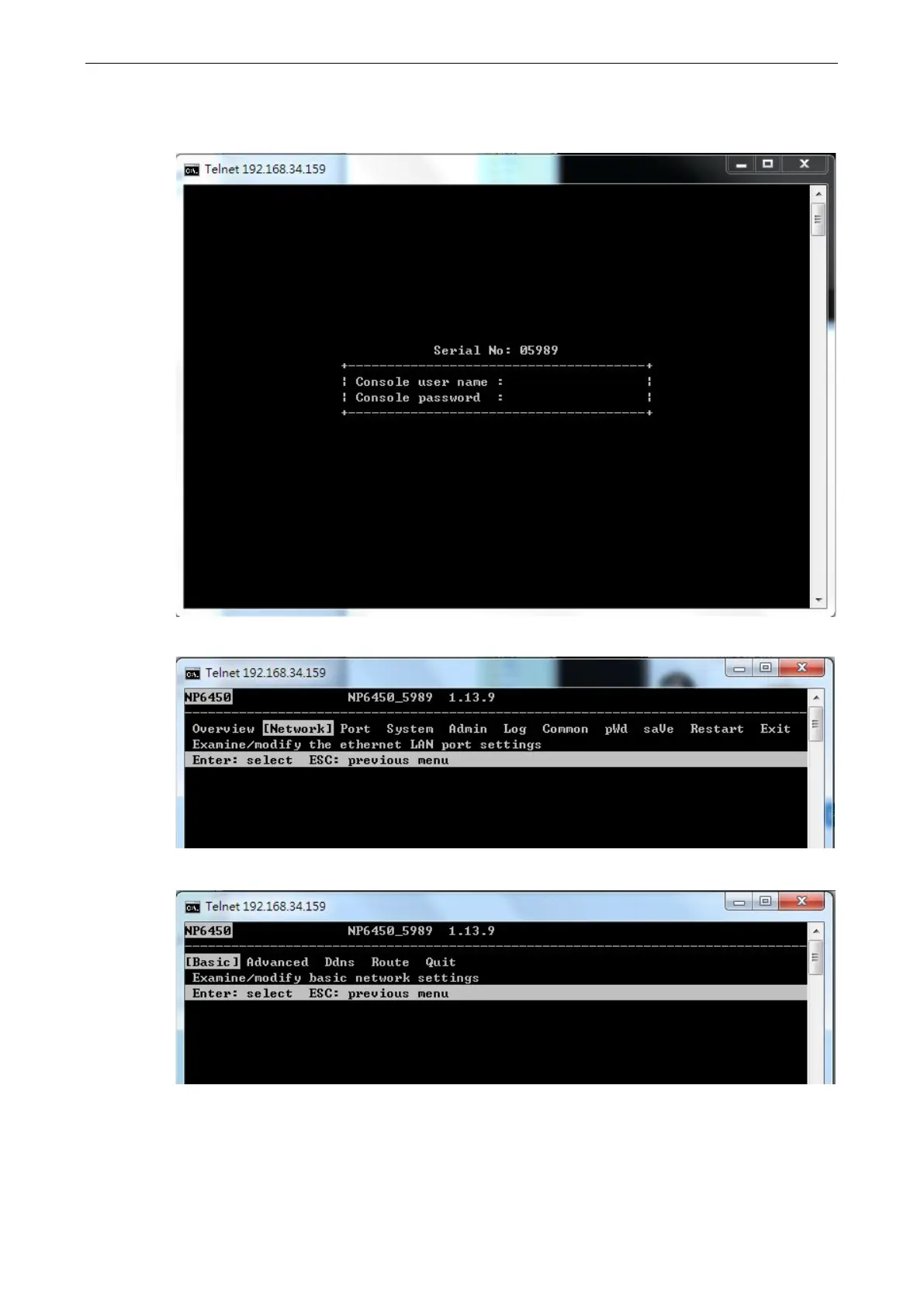
3. You will be asked to enter the username and password to access the NPort 6000 device. If you're accessing
the NPort the first time, the default username is admin and the default password is moxa. Press ENTER
to proceed.
4. Press N or use the arrow keys to select Network and then press ENTER.
5. Press B or use the arrow keys to select Basic and then press ENTER.


 To Next Page
 Loading...










