NPort 6000 Series Initial IP Address Configuration
7. If the NPort 6000 has been set up for password protection, you will be prompted to enter the password.
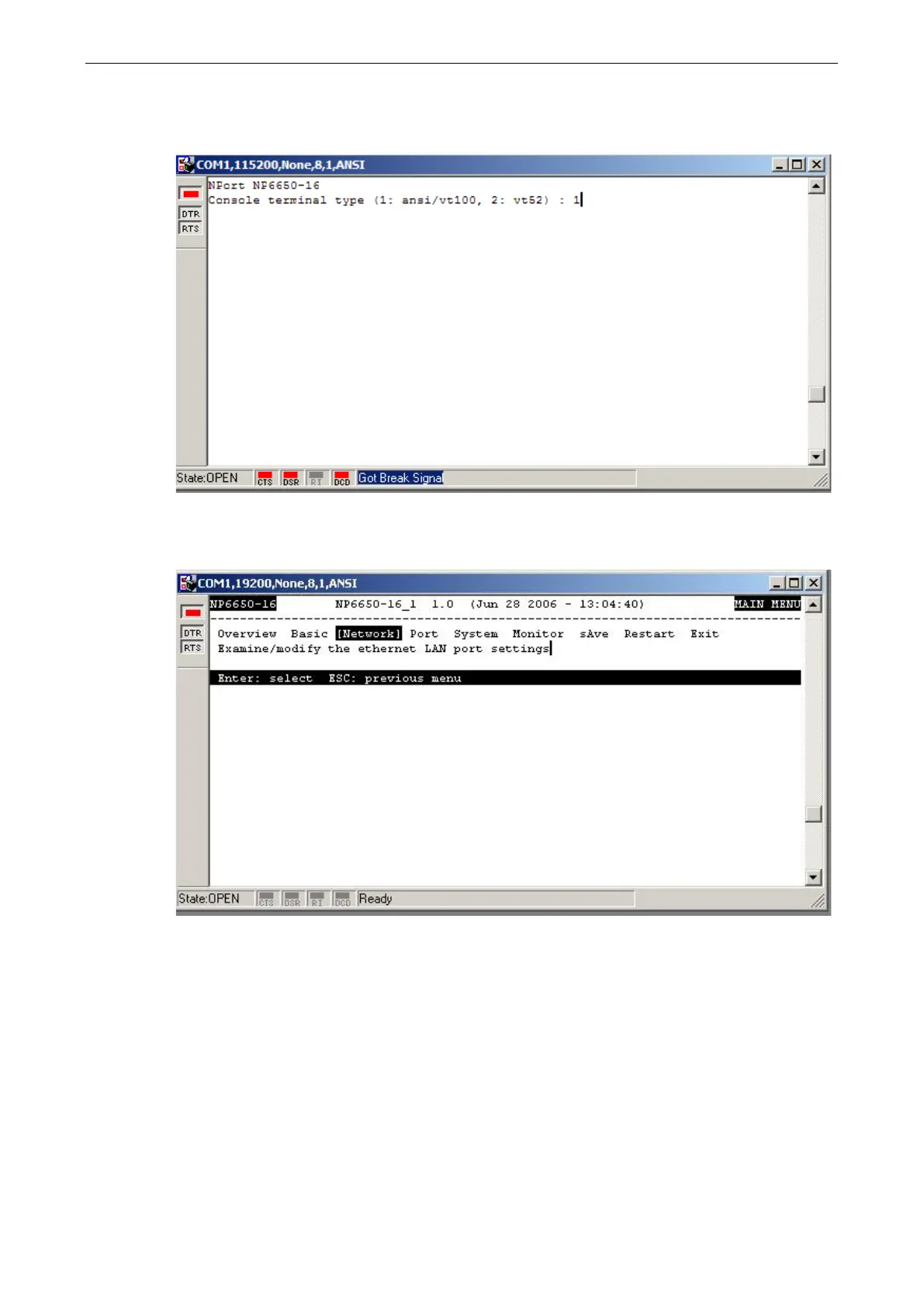
After you entered the password, or if password protection was not enabled, you will be prompted to select
the terminal mode. Press 1 for ansi/vt100 and then press ENTER.
8. The main menu should come up. Once you are in the console, you may configure the IP address through the
Network menu item, just as with the Telnet console. Please refer to steps 4 to 11 in the Telnet Console
section to complete the initial IP configuration.


 To Next Page
 Loading...










