Menus you can access while printing 49
You can change the platen heater temperature setting for the current print job.
• See the following related sections of Panel Setting Menus:
"**>6: Dryer" P. 74
You can change the dryer temperature setting for the current print job.
• See the following related sections of Panel Setting Menus:
"**>6: Dryer" P. 74
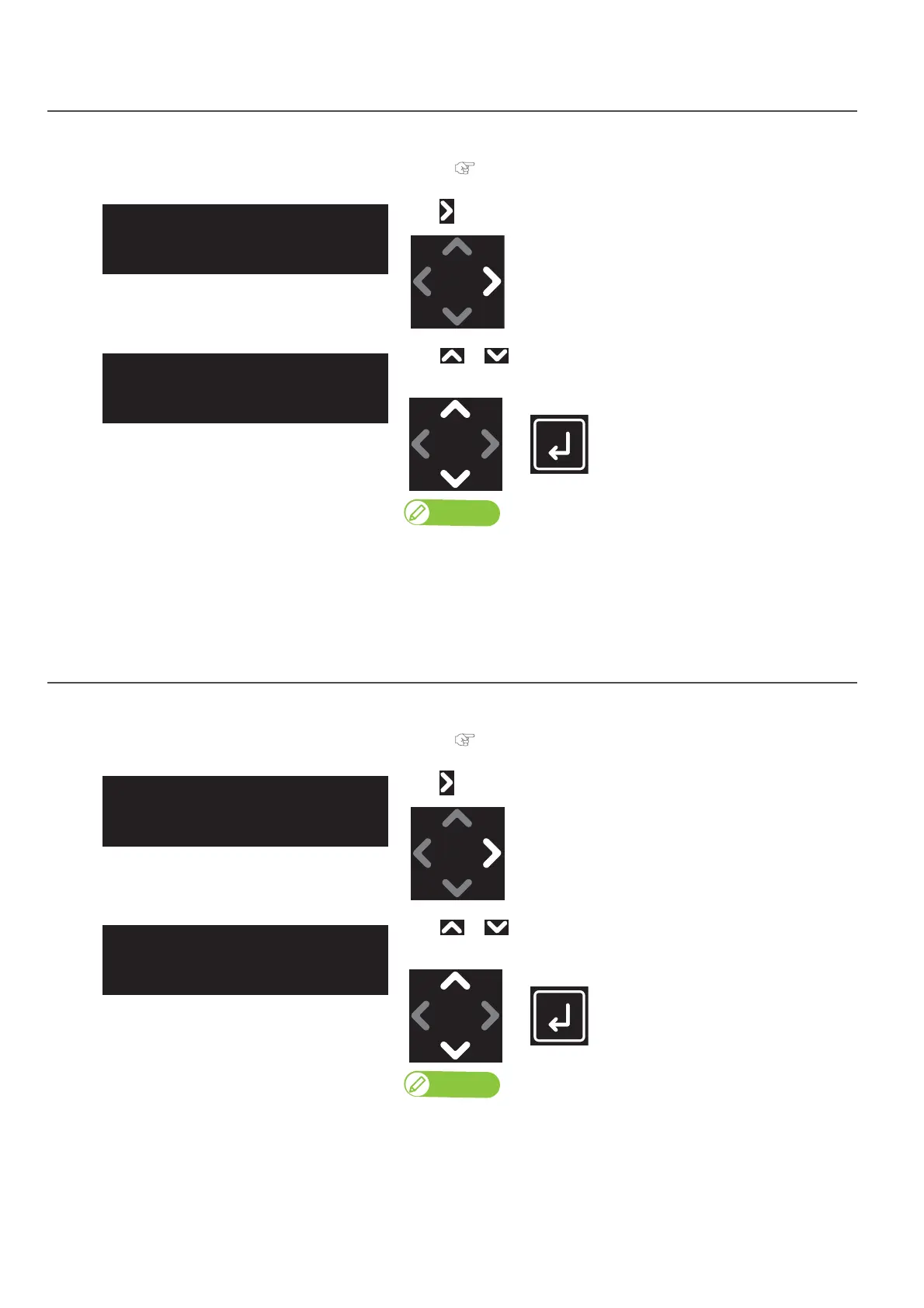
Menu 3: Platen Heater
[1]
Tap .
[2]
Use or to change the value.
• Tap [Enter] to confirm the change.
Note
• The change made is applied to the current job only and is not saved in the
printer.
• To save the change in the user type currently selected, go to “Menu 6:
Backup”.
Menu 4: Dryer
[1]
Tap .
[2]
Use or to change the value.
• Tap [Enter] to confirm the change.
• The change made is applied to the current job only and is not saved in the
printer.
• To save the change in the user type currently selected, go to “Menu 6:
Backup”.
Platen Heater:
(30 - 50) 50ºC



 To Next Page