DVR Server Manual
Capture a picture;
Burn CD.
Copy the file player to the save path.
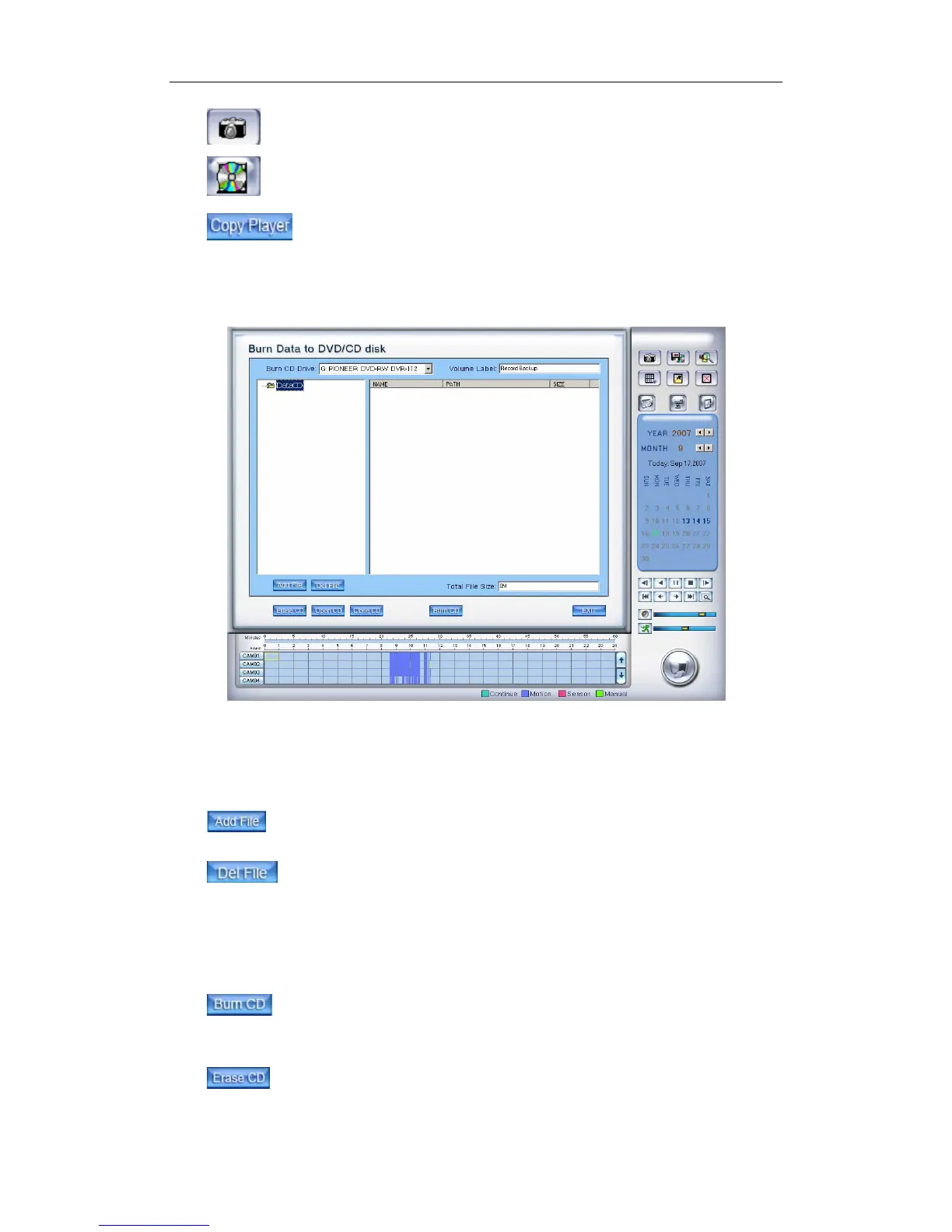
4.5.4 Burn Video File to DVD/CD
①
③
②
Area ①:File directory.
Area ②:File list.
Area ③:The File directory and list of CD that is to be burned to.
:Add selected files from area ② to area ③.
:Delete selected files from area ③.
【Burn CD drive】Select a CD-ROM driver.
【Volume label】Set the CD’s label.
【Total file size】Show the size of all files will be burned to CD.
When you finish your setup, click this button to write file to CD or
DVD.
Clean up the data of CD/DVD.
104



 To Next Page