DVR Server Manual
Note:
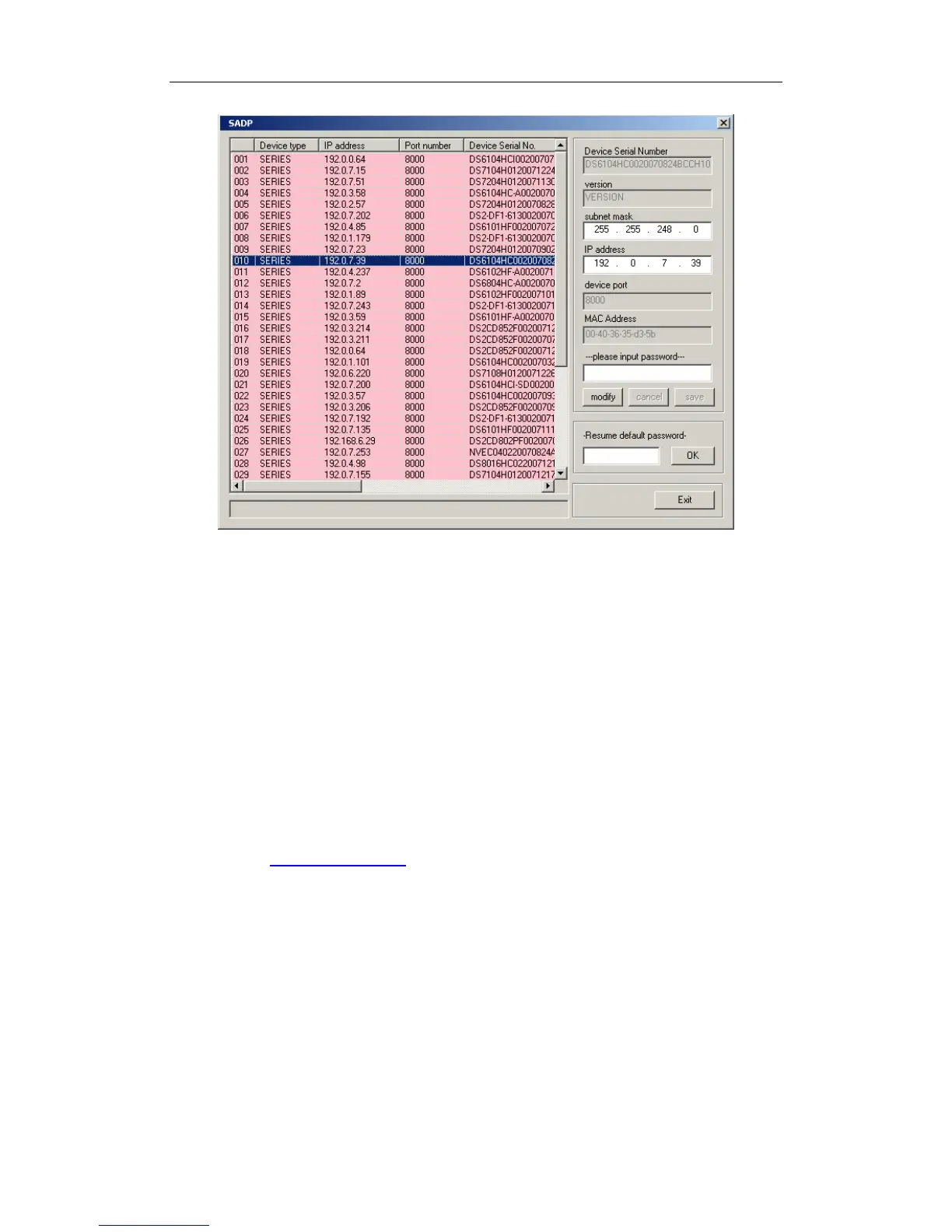
To DG series IPC scan, please refer to Add DG Series IP Device for
details.
1.2 Disk Management
After installed DVR Server, you should assign space for recording,
otherwise, software can’t record. Actually, system will run disk management
automatically after you installed DVR Server. Also, you can run disk
management to assign space when you want.
However, you should input correct user name and password to get access
to Disk management when manger disables the disk manage right of some
operators in Password Setup.
15



 To Next Page