DVR Server Manual
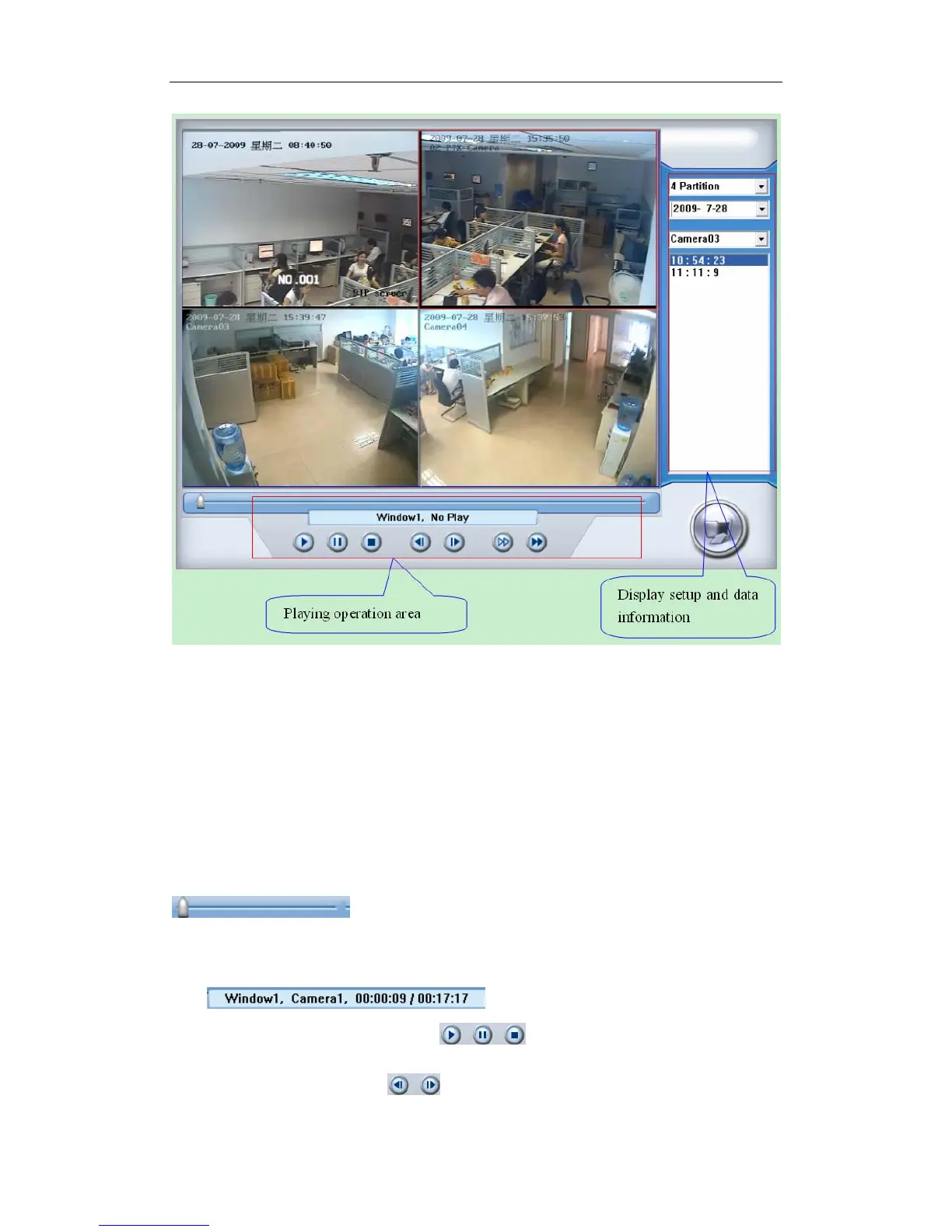
5.3.1 Display Setup and Data Information
In this area, you can select display partition mode, date, video channel
and video file named according to time.
5.3.2 Playing Operation Area
In this area, you can operate video playing:
【 Video-playing time adjustment 】 Press and drag slider bar
to adjust video-playing time.
【Information display panel】Display current window’s name, camera’s
name and record data’s information.
【Playing-control buttons】
: Play Pause Stop
【Single frame play】 : Previous frame Next frame
112



 To Next Page