DVR Server Manual
display any camera in any window.
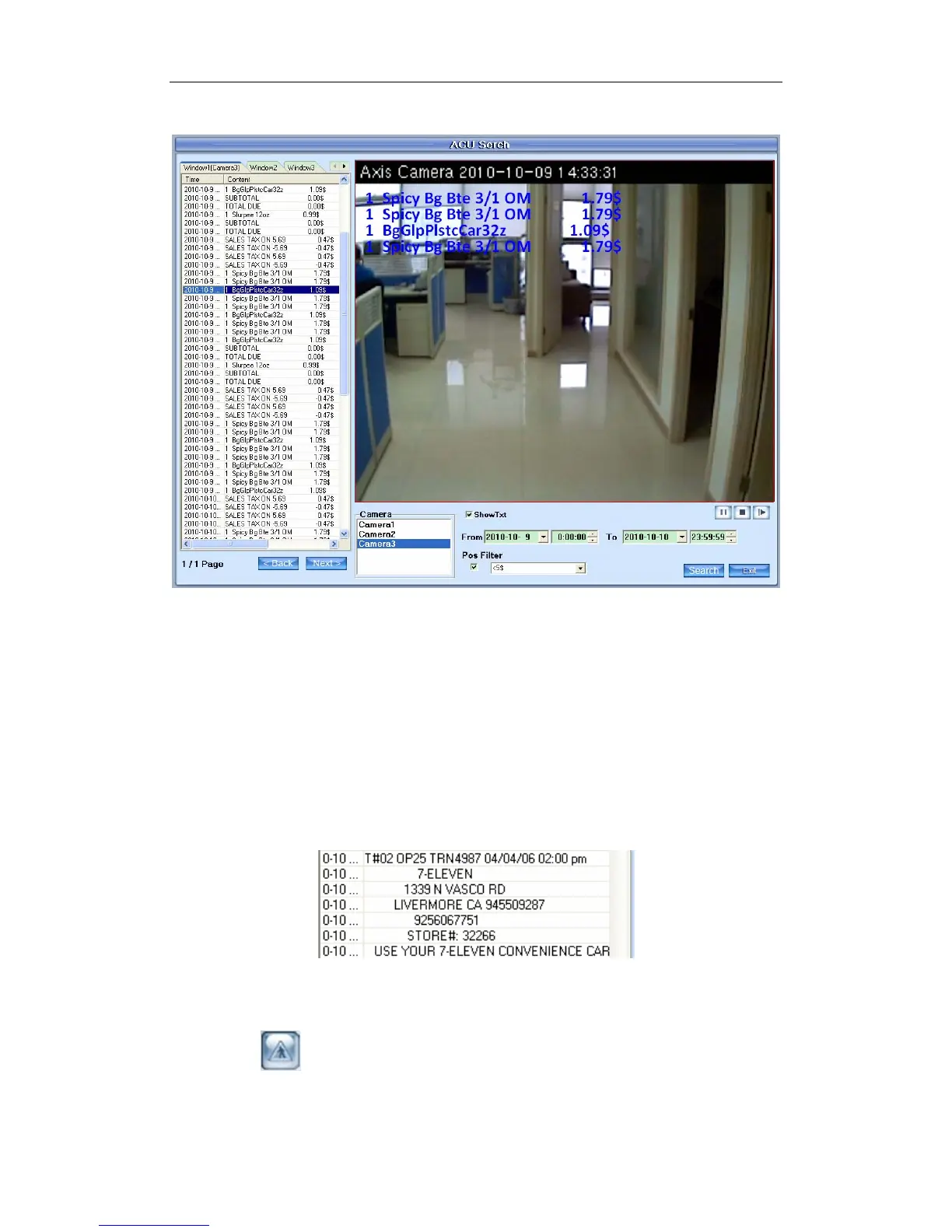
POS Filter
Check the box in front of the rectangle to enable POS filter. You can type
any word according to the POS text to display the lines you want. For example,
if you want to display all the lines less than 5$, then you can type “<5$” as the
filter.
Note:
If you type in “<$5”, you will get the same result as “<5$”. Besides, please
notice it will compare the absolute value only. For example, if “>5$” is typed in
as the filter, the lines with “-6.69$” will be displayed, too. If there is no “$”after
“5”, the program will display all the lines with a number more than 5, like below:
1.4.5 Motion Detection Area & Cover Setup
Press button to set motion detection area.
(1). Sound Alarm
42



 To Next Page