DVR Server Manual
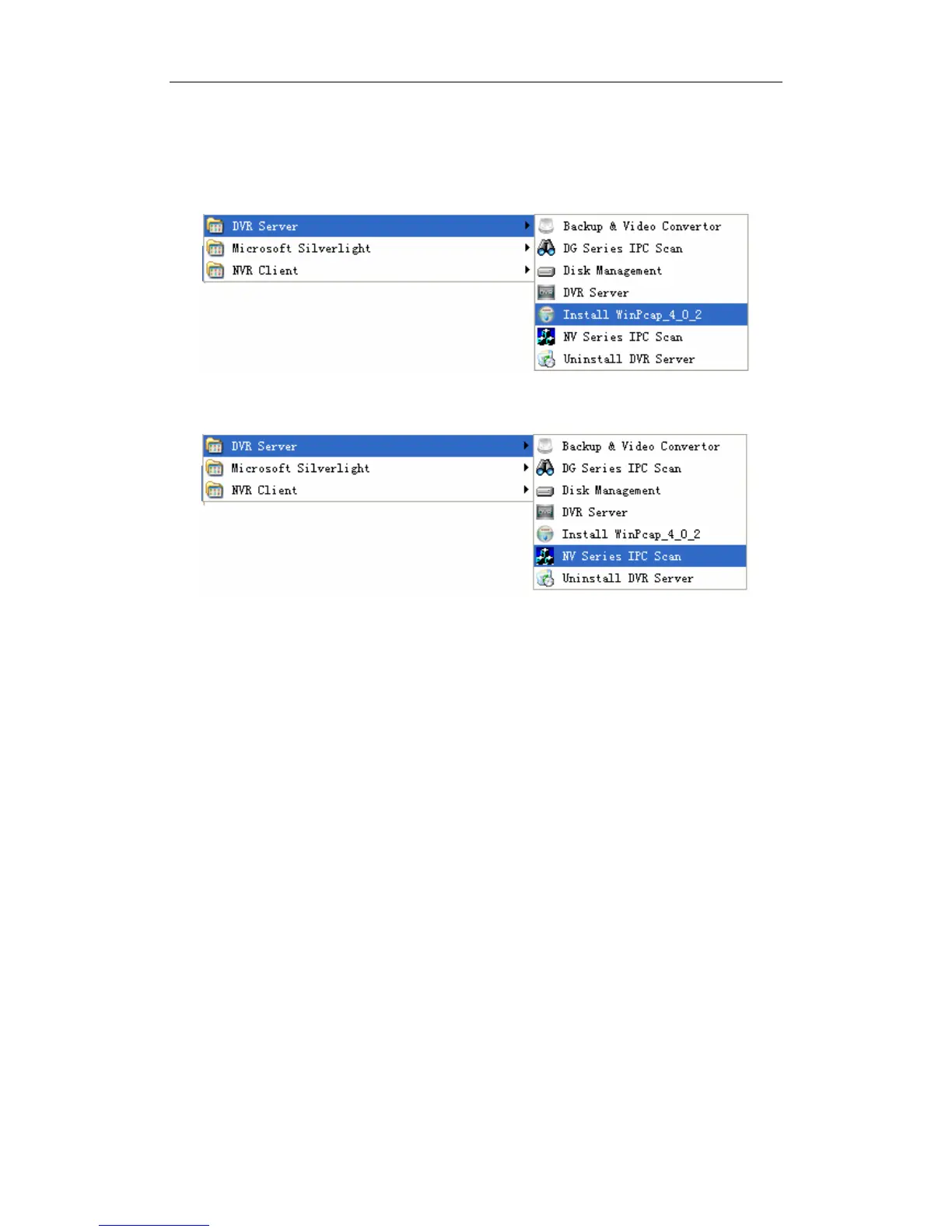
1.1.3 NV Series IPC Scan
Click StartÆ All programsÆ DVR ServerÆ Insatll WinPcap_4_0_2 to
install the NV series IPC scan tool.
Click StartÆ All programsÆ DVR ServerÆ NV Series IPC Scan to scan
NV series IP cameras connected in the LAN.
Device type, IP address, Port number, Device Serial No., mask, mac,
channels, software version, DSP version and start time will be displayed in the
search tool. You can modify the IP and port more conveniently when you click
“modify” button on the right. You should enter password to confirm the
modification. The default password is “12345”.
14



 To Next Page