DVR Server Manual
resume its default value by pressing .
Copy Color To: By pressing the button to copy the color
and audio adjustment in this camera to the other.
1.4.9 Matrix & Display
This panel includes matrix group and display group. Each group includes
16 numeric buttons; each button denotes one type of matrix or display. This will
be described in System Setup.
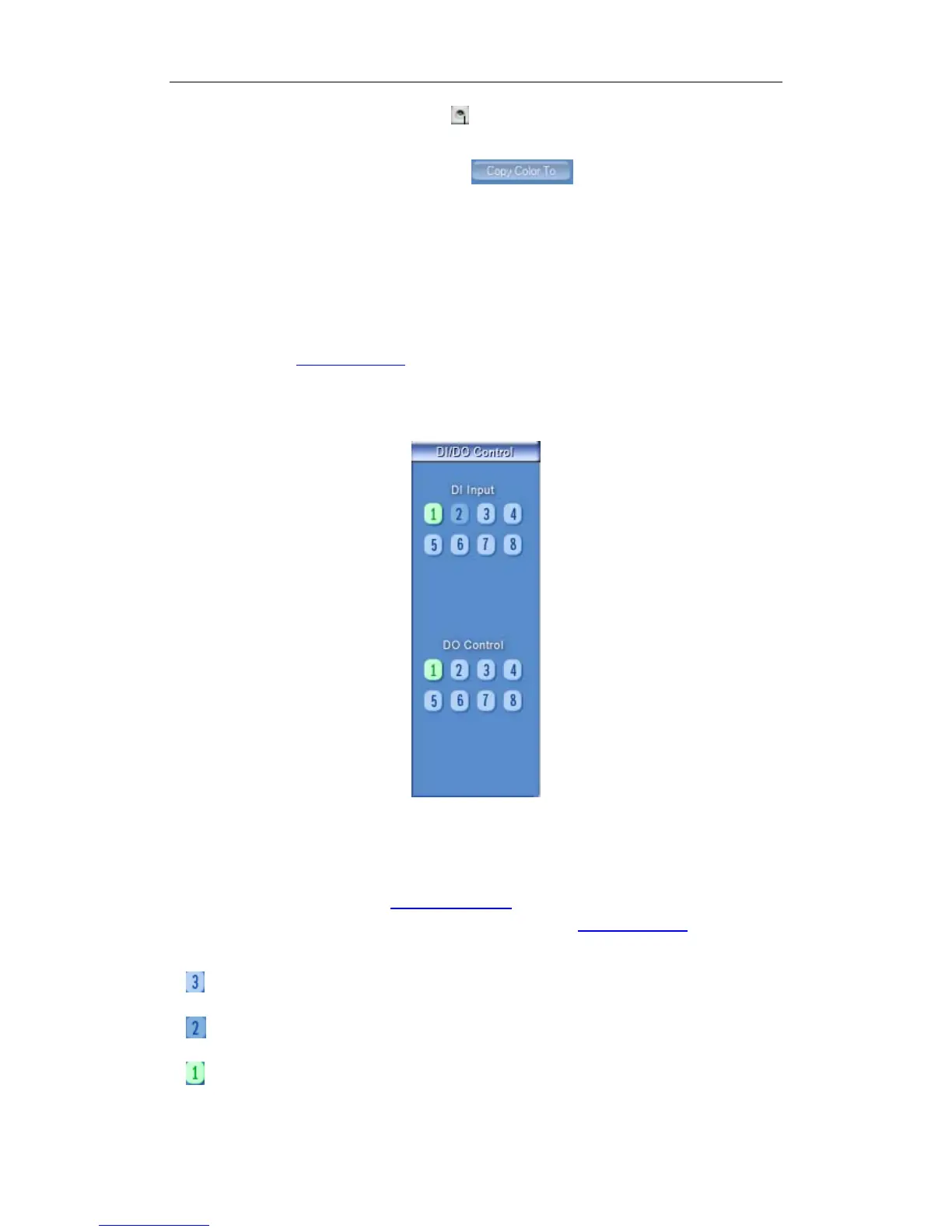
1.4.10 DI/DO Control
1. DI Control
Press number button to check sensor all time forcibly even though user
didn’t set check sensor in Sensor Setup. The channel of DI and DO is
determined by the setup of DI/DO device you set in System Setup. The status
of DI has three types:
Input channel 3 doesn’t check sensor forcibly.
Input channel 2 checks sensor forcibly.
Input channel 1 has an alarm inputting.
When there is no alarm yet, user can press number button to check
51



 To Next Page