DVR Server Manual
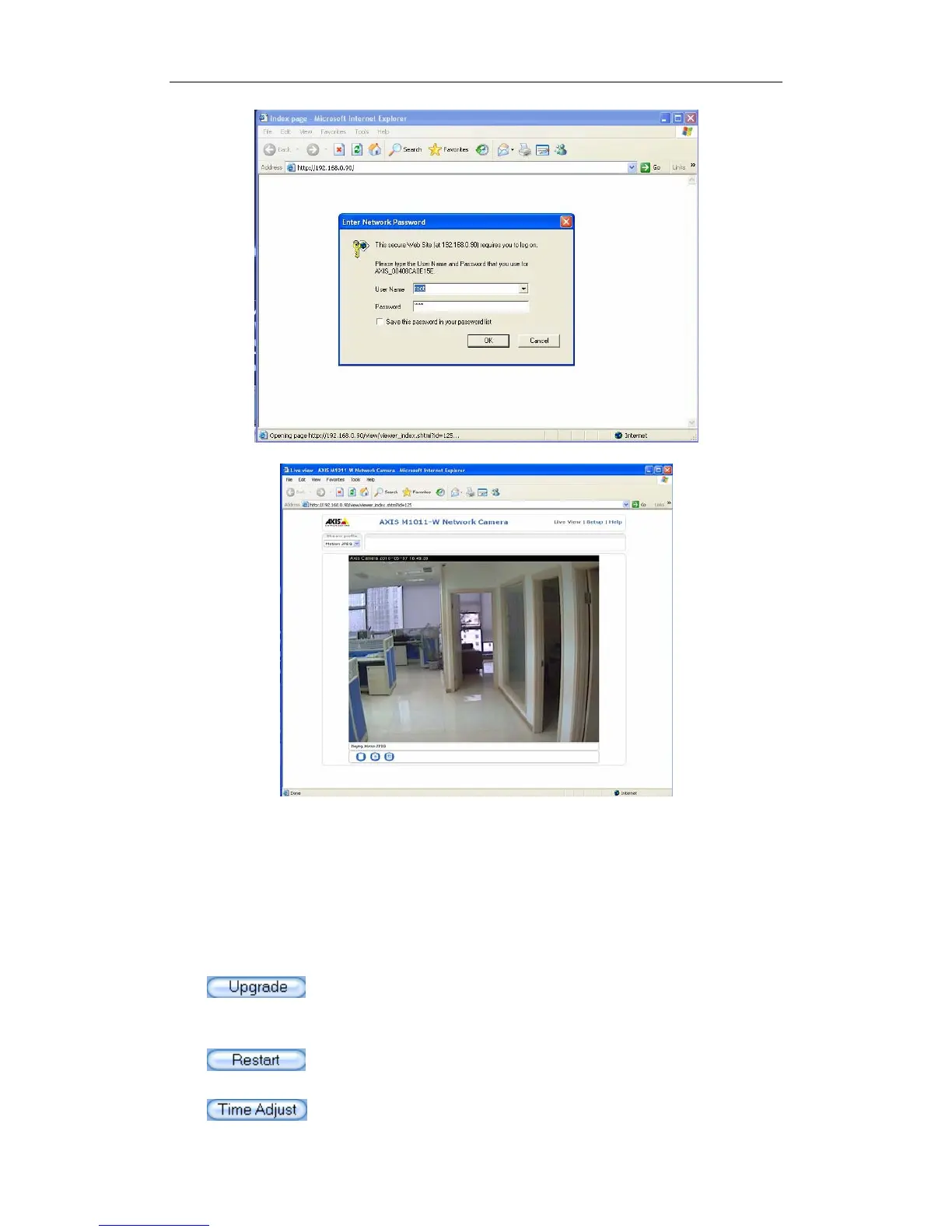
Remote Setup Interface of Axis IP Camera
3.1 Functional Buttons
There are 5 buttons in each page. They are Upgrade, Restart, Time
adjustment, Save and Exit.
System can upgrade to the server remotely. Click this button,
and select the right file.
Some settings will come into effect only after device reboots.
Adjust date and time of DVS or EMDVR. The new date and
82



 To Next Page