DVR Server Manual
【OSD Contrast】Set OSD displaying brightness & position. The “auto”
item in OSD Contrast’s drop-down list will make OSD suit the background’s
color automatically.
【Copy Setup to】Set other cameras with the same setup.
Note:
1) When there are no video in some windows, an alarm will appear (beep
to tell you some video information is missing). Set the camera with no
picture disabled and the alarm will disappear. When you want to use
them later, set as enabled again;
The unit of the swap file should be MB. The range is from 2 to 50;
Set the position and contrast of the date shown on the screen. Sometimes
the date cannot be clearly seen for its color is similar with the background. You
can change its position or color when this happens;
Image size is the format used when recording. Remote image size is the
format used when these images are transmitted to client sides;
Remote Frame Rate, Remote image size and Remote Quality are the
parameters of the client side. ①When the server’s image size is set as
“704*576(12fps)” and you are using NV40XXHC series cards, the three items
are not available, and client’s parameters will be the same with server. ②
When the server’s resolution is set as others (except “704*576(12fps)”) and
Remote image size is set as “Same as Rec”, Remote frame rate (fps) and
Remote Quality are not available either. The client’s parameters will be the
same with server;
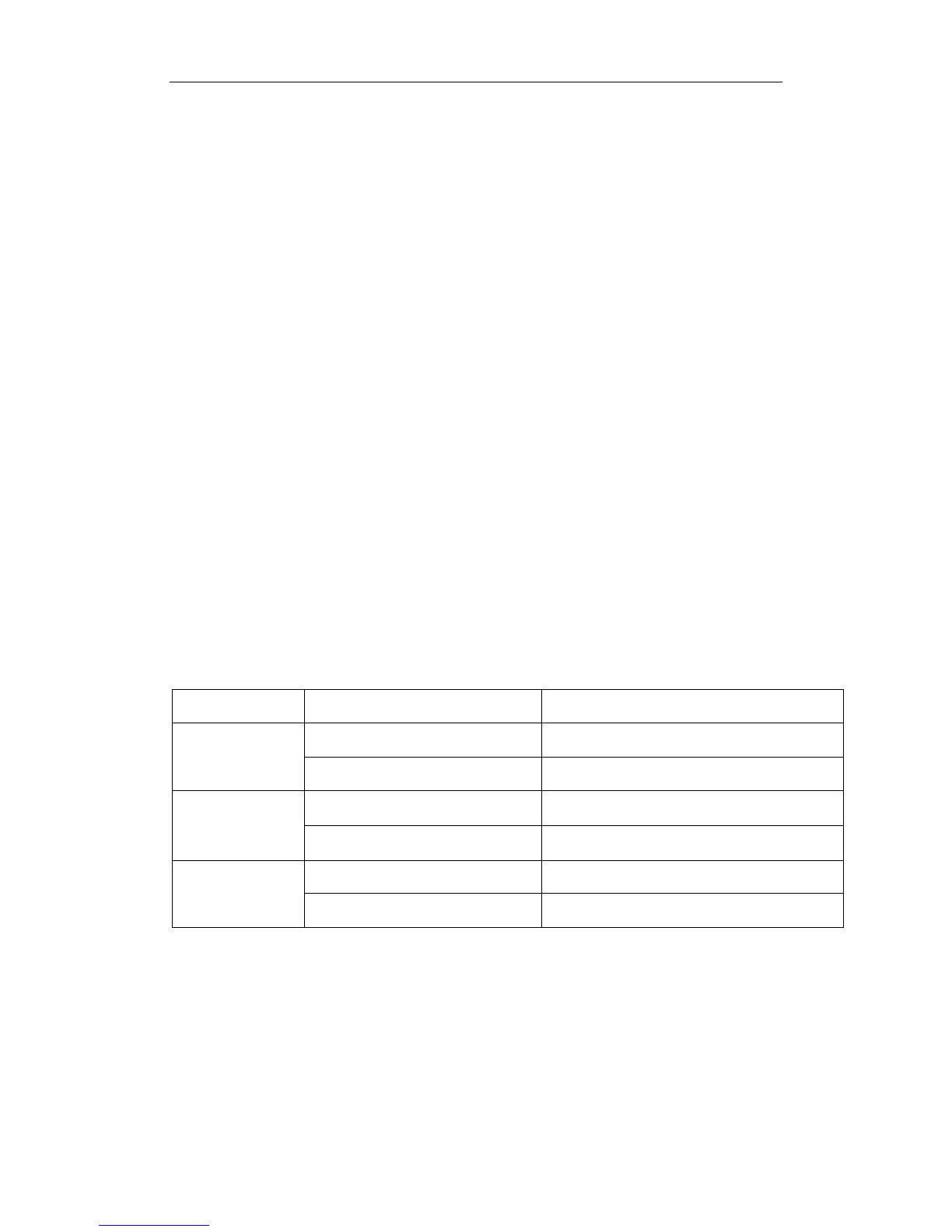
Variable digital rate table:
Image quality record environment occupied disk space (/com/hour)
low action, indoor about 45Mb
Poorest
high action, road about 95Mb
low action, indoor about 70Mb
medium
high action, road about 180Mb
low action, indoor about 160Mb
best
high action, road about 320Mb
Invariable digital rate can’t improve image quality but it is helpful for
calculating disk space. Variable digital rate recording is recommended.
2.2.2 Group Setup
Note:
If you set a camera into several groups, only the last setup is available.
【Selected Group】Select group number.
62



 To Next Page