DVR Server Manual
【Record sub stream】Select the record sub stream enable or not, if you
select enable, you can view the sub stream in the NVR client Re-search.
The sub stream is main effect in searching the record file in client’s
re-search by the narrow bandwidth.
【Selected Cameras】Select the cameras that the work mode of which
are the same in a group. Cameras include local board cards and IP modules.
【Pre-Event Record】Select the start time of record when there is an
alarm. When DVR system is in Motion Detect mode or Sensor Detect mode, it
can record video before the alarm is trigged.
【Post Record Time】Select the end time of record when there is an
alarm. When the system is in Motion Detect mode or Sensor Detect mode, it
can record video after the alarm ended.
【Record Days】This section allows users to determine how long the
record data of each camera should be kept in the system. The maximum
duration for on-line storage is 120 days. Users can select an exact number of
days, or select “auto” mode. If select “auto”, system will auto-delete the
recorded data of the earliest days when there is no enough space.
Note:
If there is no enough space of HDD, system will delete the record data
according to the length of saving time of each camera. E.g.: there are four
cameras, the 1
st
camera is set to say for 2 days, the 2
nd
camera saves for 5
days, the 3
rd
camera saves for 10 days, and the 4
th
camera is set “auto” mode.
When the space is enough, the 4 cameras’ record data will be saved in HDD.
When there is no enough space, system will delete data automatically. If the 4
th
camera’s record data has been saved more than 10days, system will delete
the 4
th
camera’s data. If the 4
th
camera’s record data has been saved less than
10 days, but the 3
rd
camera’s data is more than 10 days, system will delete the
3
rd
camera’s data. So, even if you set the 3
rd
camera’s record data to be saved
for 10 days, the data that is saved less than 10 days become possible. System
will delete the record data from the earliest date.
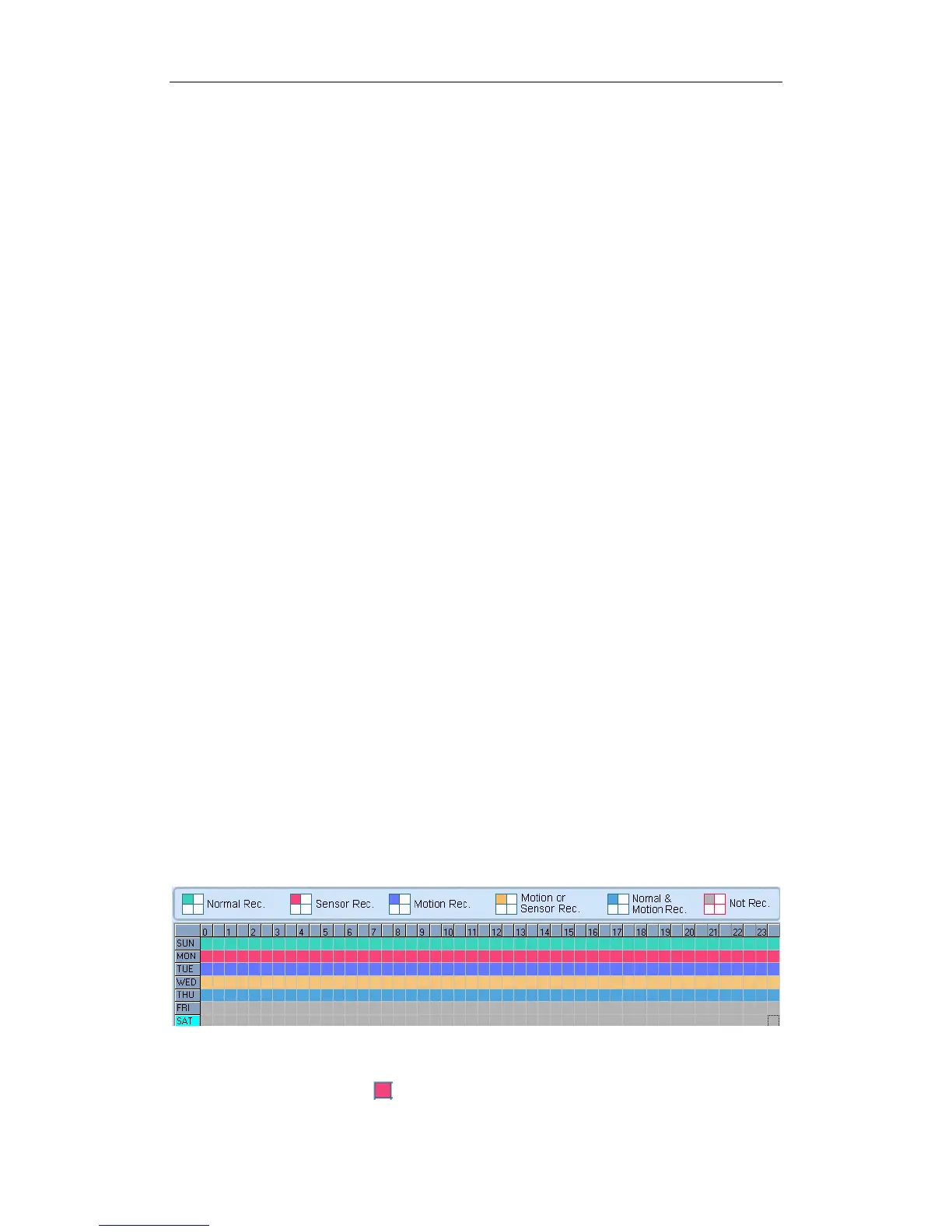
Recording Schedule Setup (cameras of local board cards and IP
Cameras setting)
Tips:
One block of pane means half an hour. Firstly, click record mode
63



 To Next Page