DVR Server Manual
time bar and then press this button, then, all the cameras will be played back
from that time.
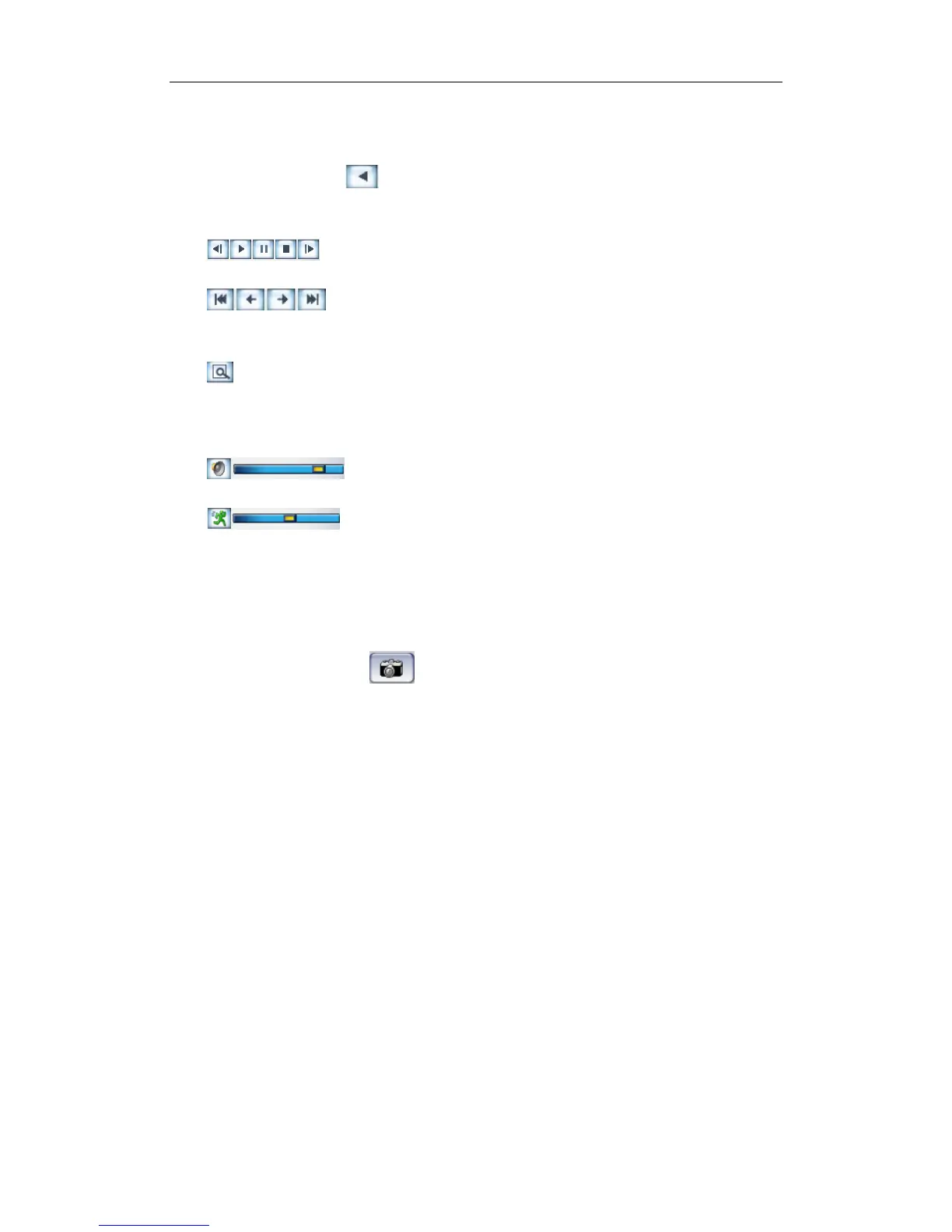
Press this button , the selected camera will reverse playback, and
press it again, the reverse playback will stop.
Last frame, Start, Pause, Stop and Next frame
First frame, Last minute, Next minute and Last frame of
that day.
Image zoom in: Press this button and draw a red frame on the video,
then, the part in the frame will be enlarged. You can single-right-click on the
image to resume.
Adjust the voice. Click the button to clear the voice.
Adjust playing speed. Click the button to resume normal
playing speed.
4.4 Capture Picture
Click capture button to capture a still picture. When one is captured,
there will be a dialog to ask for a file name. After your confirmation, you will be
asked to input the save path. When you capture a picture next time, it will be
saved to the previous path without ask you again. But you can modify or delete
the save path in a file named system, with INI as suffix in SetPara.
Note:
The size of the image is that of the playing window.
4.5 Backup
Note:
If user has no right to backup, he will be forbidden to get access to “Create
video file clip” and “Backup record by time”. When he clicks the two options,
the dialog as below will be shown:
98



 To Next Page