DVR Server Manual
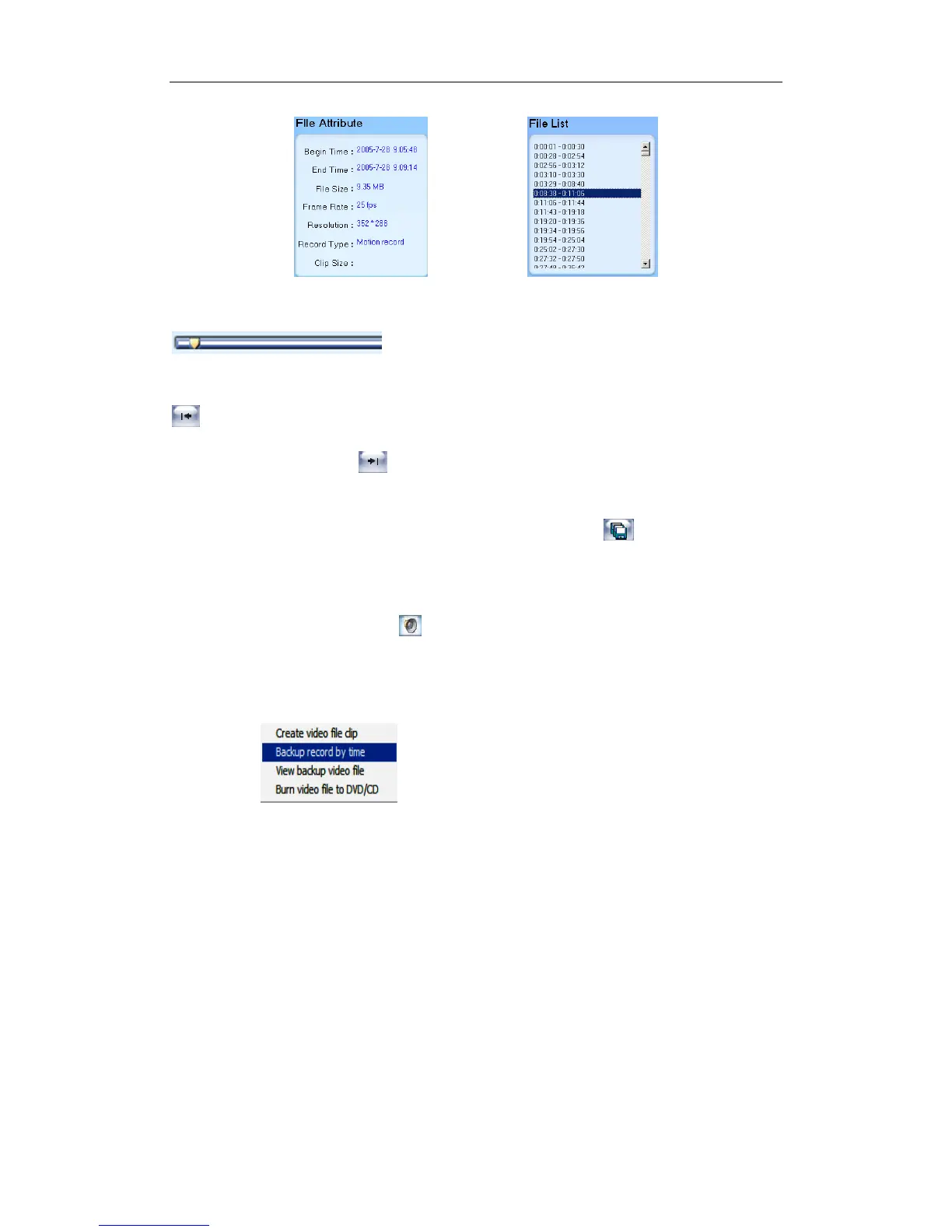
【 Play control button 】 User can press and drag slider on
to control the player time.
【Beginning and stop position setup】After you select a time, press
button to set it as the beginning time, and then drag the bar to select
another time and press button to set it as the end time. When you finished,
the file attribute on the left will show the size of the file to be created.【Save
file】After you setting the beginning and end time press button to save the
file, it will ask you for the file name. If you input nothing, the file will be named
as the camera.
【Voice control】Click to control voice. Press it to clear voice.
4.5.2 Backup by Time
Press to enter backup by time feature.
100



 To Next Page