DVR Server Manual
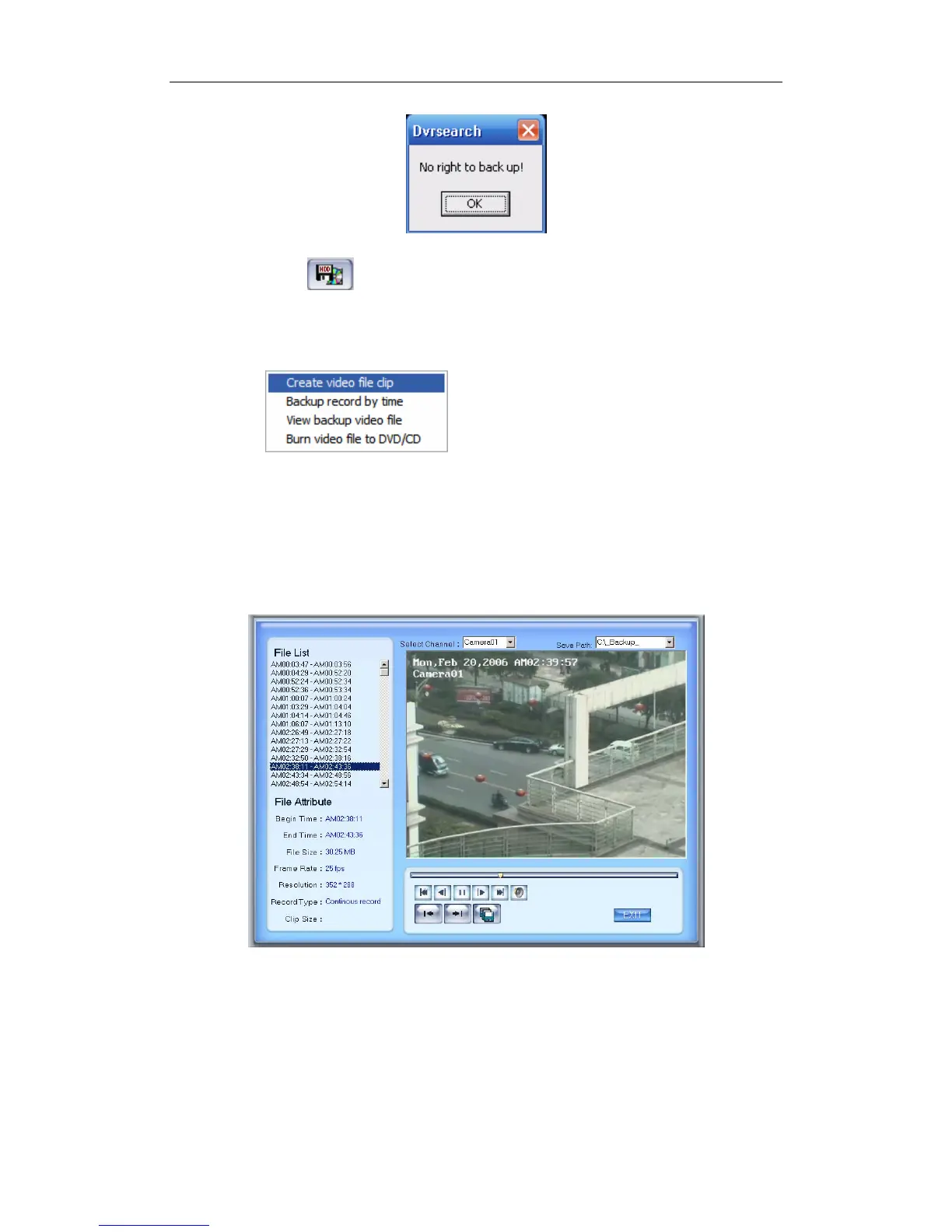
Click button ,there are four items to be selected as below.
4.5.1 Create File Clip
Press to create file clip after you entered
Backup.
【Select channel and save path】Select channel and save path of the
backup file on the top of interface.
【File list and attribute】Select a file and double-click it to play and its
attribute will display below the list , including begin time, end time, file size,
resolution, frame rate etc.
99



 To Next Page