DVR Server Manual
Note:
Motion sensitivity value will affect the accuracy of smart search.
I. Add Mask
Press button to set the area to be shielded. If there are some
areas that you don’t want to show, you can draw those areas with mouse till
they change to be black. You can set several cover areas. Press this button
again to finish adding.
II. Delete Mask
Press
button to delete all cover areas.
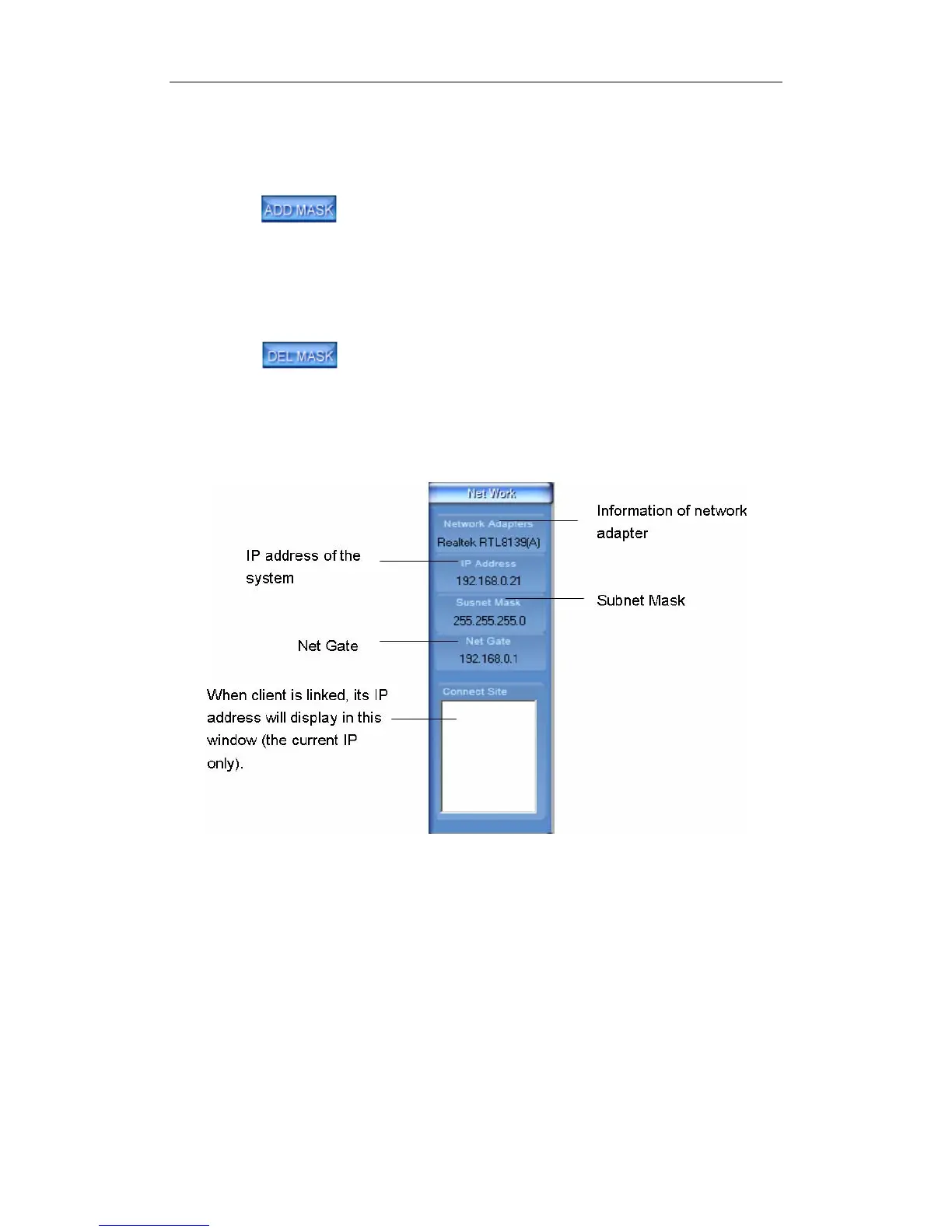
1.4.6 Network Panel
This panel displays the network configuration of DVR system.
1.4.7 PTZ Control Panel
In DVR system, there are three ways to operate PTZ:
a. Panel operate;
b. Operate in video area directly;
c. Keyboard operates.
46



 To Next Page