DVR Server Manual
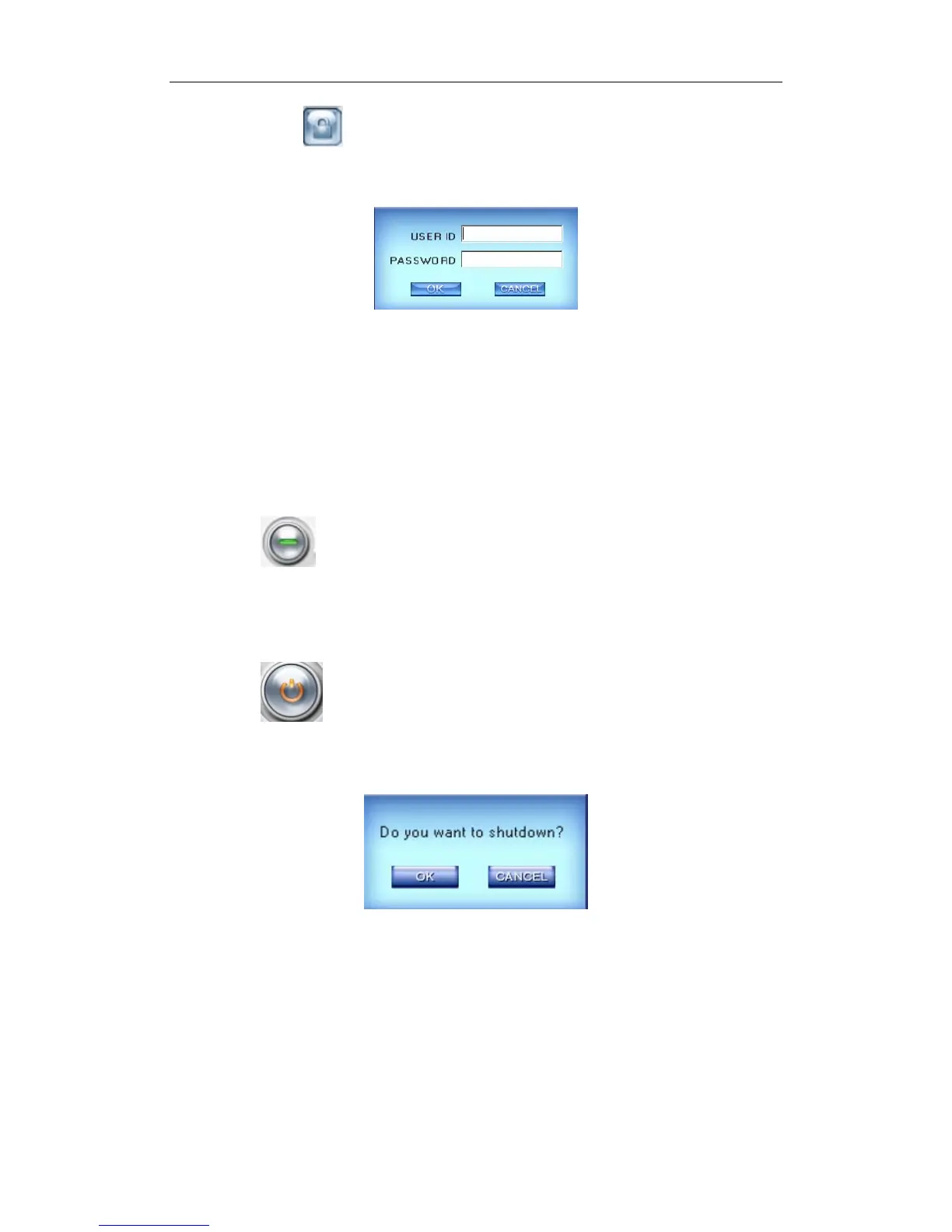
Then press button to prevent unauthorized user to operate system.
Press this button again, the unlock dialog box will be displayed. Input your
User ID and password then press OK to unlock it.
Default User ID is “admin”, no password.
Note:
If the DVR system is not configured as User Manage Mode, the lock
button will be unusable and allow any client’s access (even in client program,
user name and password will be useless).
14. Minimize Button
Press button to minimize the main window (or press WIN+Z on
the keyboard).
15. Exit Program
Press button to exit program.
After clicking this button, the dialog as below will be displayed. Click “OK”
to quit DVR system.
1.4.4 System Menu
32



 To Next Page