DVR Server Manual
border to be different from the live windows.
In the course of instant playback(for both of the compression card camera
and the IP camera), you can press Space key to switch the play/pause status
and direction key → or ← to play next or previous frame.
If you want to stop the instant playback, you can Single-Right-Click the
playing back window, and select End playback.
While instant playback is in processing, if you want to play it again, you
can select Review playback function. You can press Space key to switch the
play/pause status. In pause status, you can press key → or ← to play next or
previous frame. When the screen plays, you can press ↑and ↓to control the
speed of playing, also, in play status you can press → or ← to play in normal
speed or play it from the beginning again.
4. Fast Playback
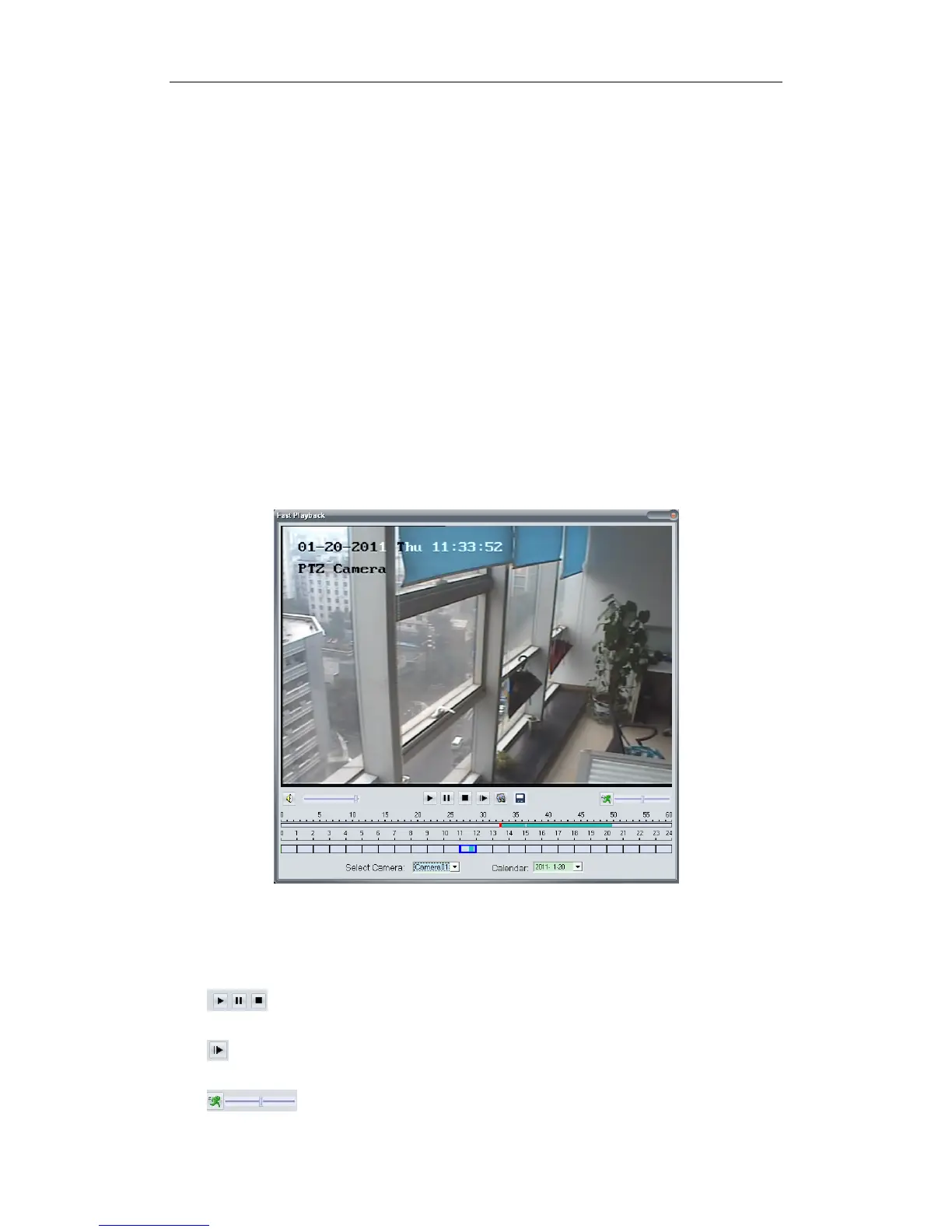
The following interface will be shown after you clicked Fast Play in context
menu if there is record data.
It will pop up to tell you no record data was found and ask you to change
the play time when there is no record data to the selected camera.
Button Description
Play, Pause, Stop
Next Frame
Play Speed Control: Drag the slider bar to the left to slow
22



 To Next Page