DVR Server Manual
buttons or change status of all connections at the same time by pressing
button.
5.2.3 Partition Mode
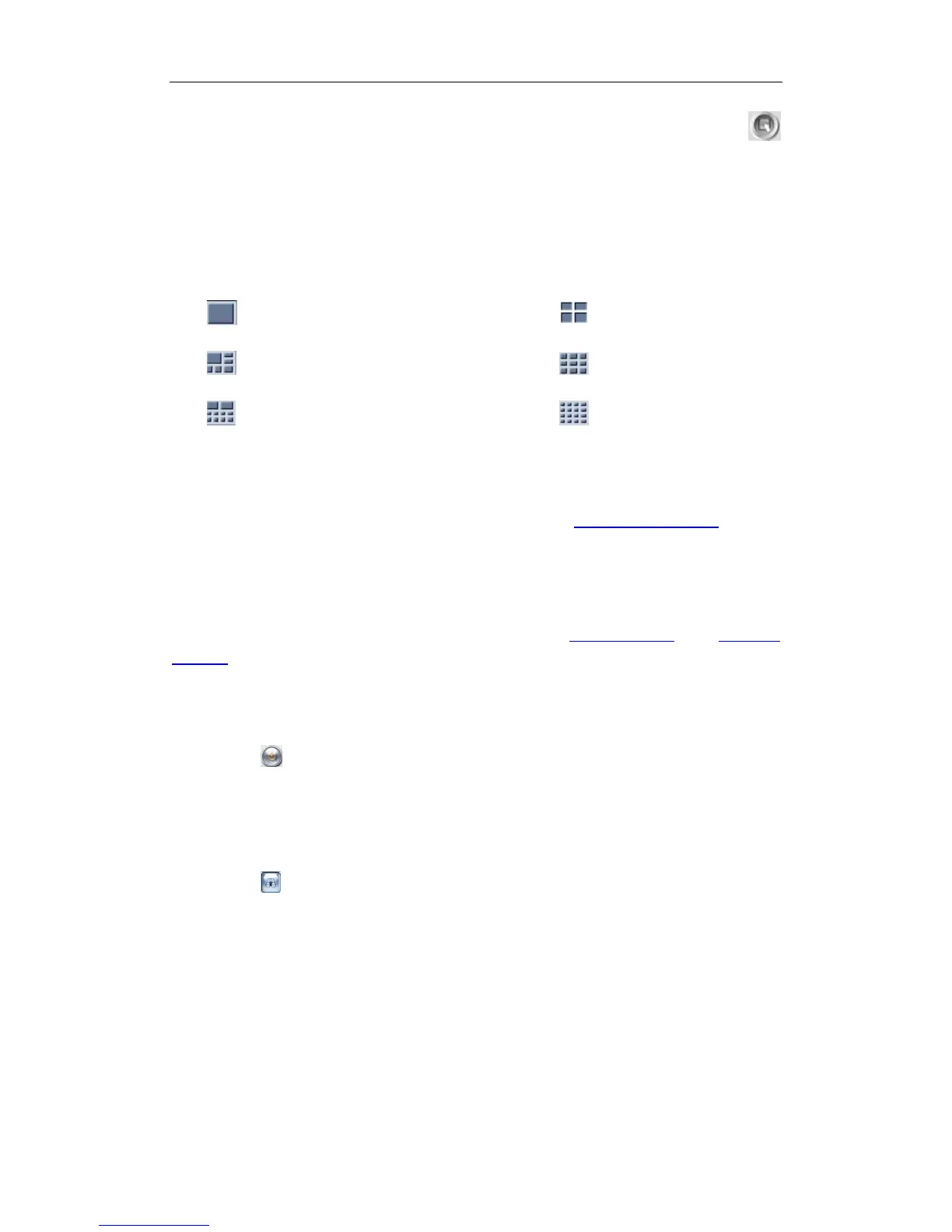
You can set the partition mode by pressing a corresponding button on the
right of main interface. There are 6 partition modes as below:
——1 partition mode; ——4 partitions mode;
——6 partitions mode; ——9 partitions mode;
——10 partitions mode; ——16 partitions mode.
5.2.4 PTZ Control
Most functions of PTZ control are the same as PTZ Control Panel in DVR
Server.
5.2.5 Search/R-search
The two functions will be detail described in Local Search and Remote
Search.
5.2.6 Quit Program
Press button to shut down the IE Client.
5.3 Local Search
Press button to enter local search:
111



 To Next Page