DVR Server Manual
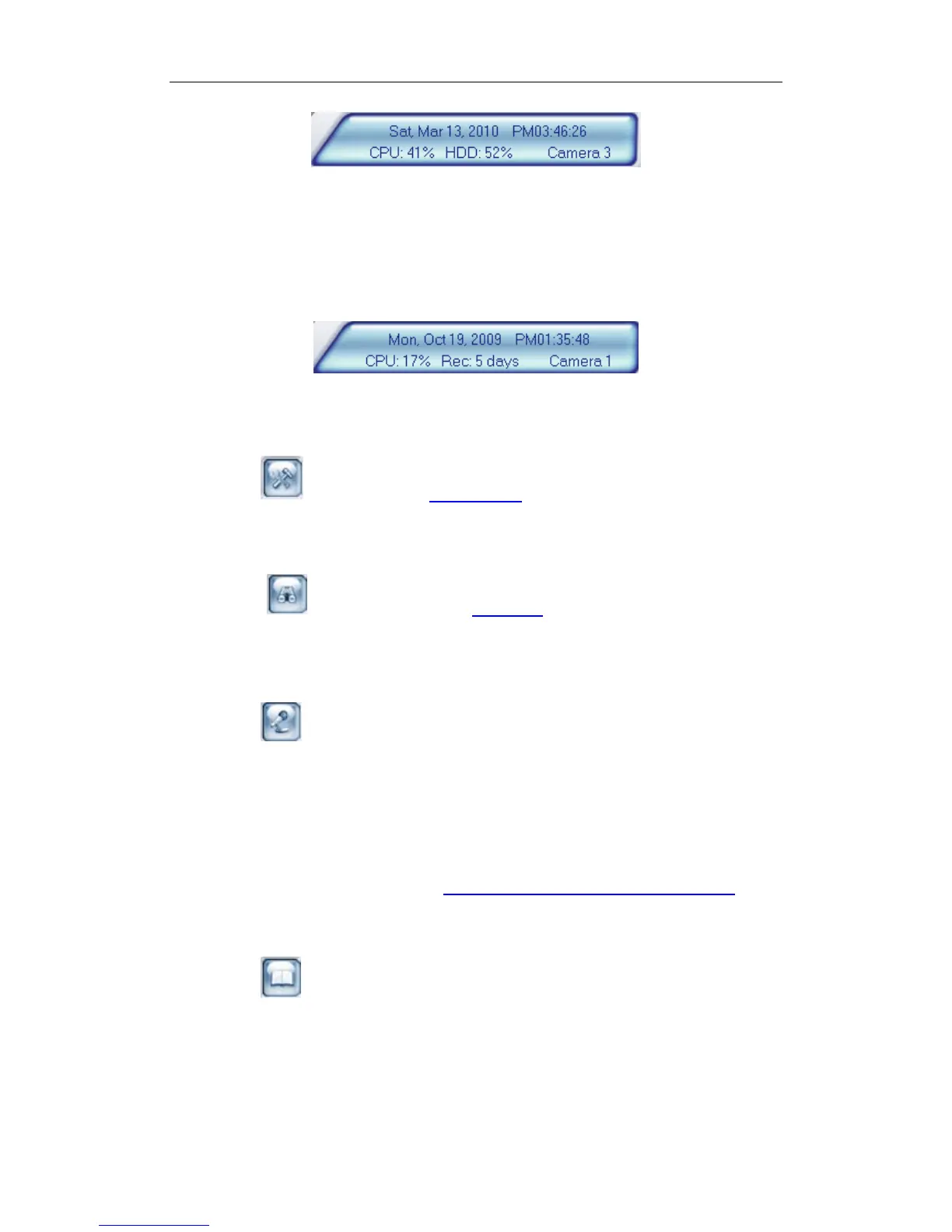
This panel shows current date, current time, CPU occupancy rate, HDD
occupancy rate and description of the selected camera.
Note:
HDD occupancy rate will be changed to record days when the record data
package is full and the new data is overlaying the old. It’s shown as below.
7. Local Setup
Press button to enter Local Setup submenu.
8. Playback
Press button to enter Playback submenu to search local
video/audio data.
9. Remote Chatting
Press button to connect a remote Client or Server for a live chatting
via IP address, but first, you must be sure you have installed audio card and
Microphone in each PC.
10. Motion Setup
Set the functions of motion detection areas and add/delete mask and so
on. It will be described in details in Motion Detection Area & Cover Setup.
11. System Log
Press button to view all actions of recording as well as operations.
There are three types of logs: System log, Playback log and Network Access
log. System log keeps a record of system events such as program startup and
shutdown, changing camera setup and all operations, alarm logs or system
daily activities according to time and date. Users can search log through date
and system parameters. Playback log: All, Playback and Backup included. The
30



 To Next Page