DVR Server Manual
Note:
One camera can only be shown in one window once. Also, you can show
several cameras in one window after you set the “Video Switch Interval”.
2.6.3 VGA/HDMI Output Setup for DG4204HD
card & VGA Output Setup for DG42xxHF
cards.
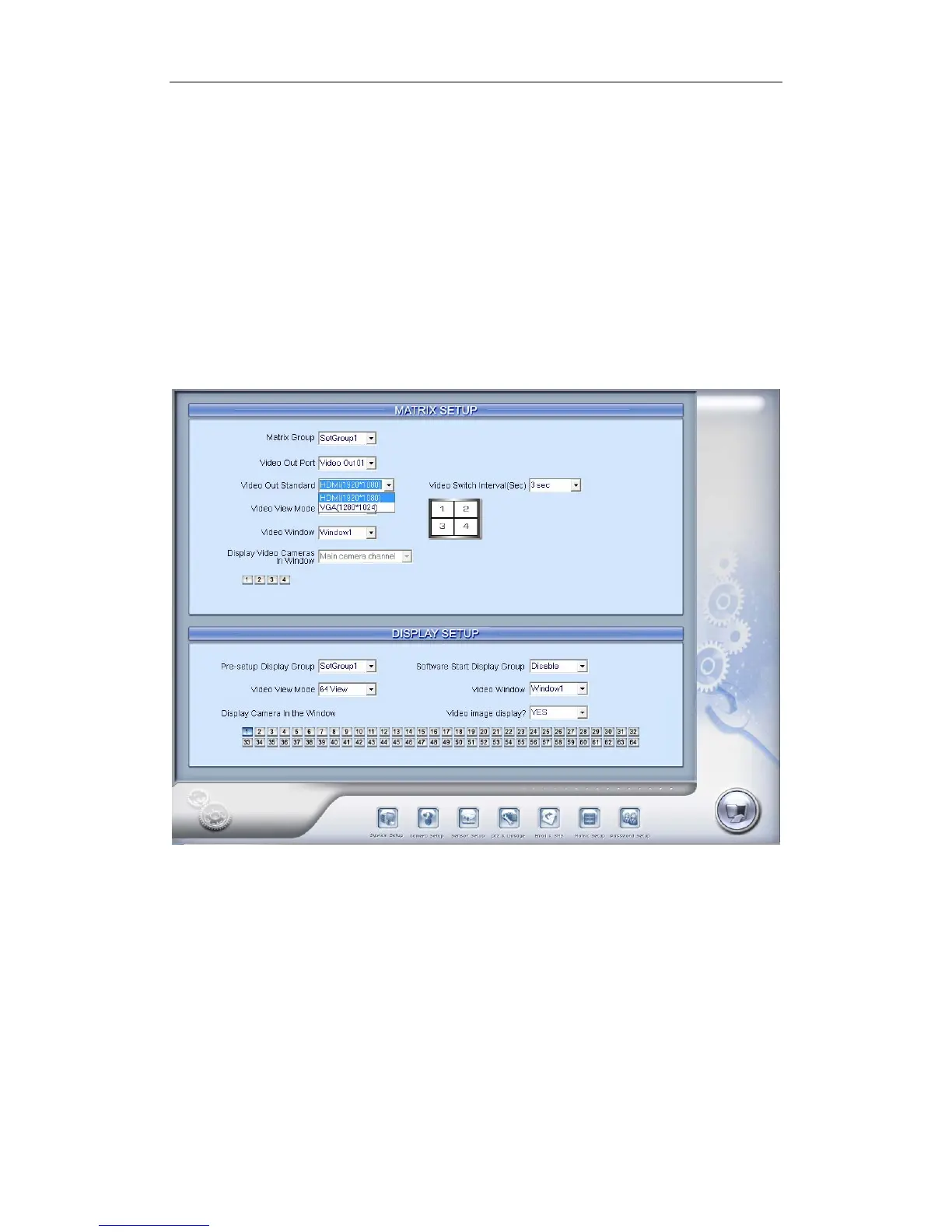
Our new DG4204HD card support VGA or HDMI output, the setting is as
below:
Here you can select to output 1/4 split mode, then select to display
camera in corresponding output window. Tour function is supported. Other
related operation is similar to the Matrix settings for DG42xxHF cards.
New version software supports the VGA output for DG42xxHF cards, the
settings are samilar to the Matrix settings. If you find there is frame loss for
recording while doing VGA output, please adjust the resolution/image
quality/frame rate properly.
2.6.4 Display Setup
76



 To Next Page