DVR Server Manual
2.1.3 Boot Setup
【Exit to Windows】User can exit program and back to windows desktop.
【Exit and Shutdown】User can exit program and shut down computer.
【 Auto Shut Down 】 Set the time to shut down the computer
automatically.
【Auto Reboot Date(Mon-Sun)】Select auto reboot date.
【Reboot at】Set auto-reboot time.
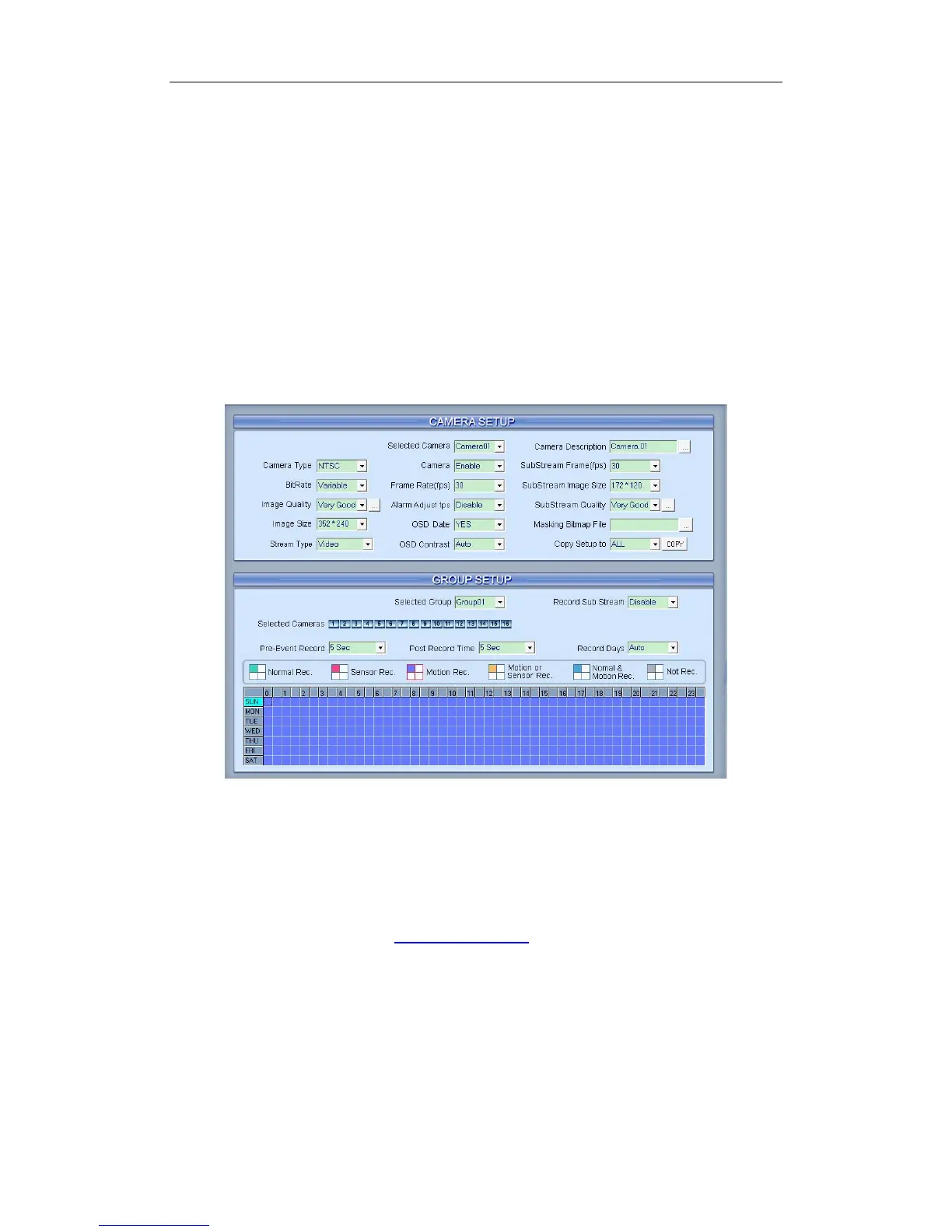
2.2 Camera Setup
2.2.1 Camera Setup
【Selected Camera】To set the parameters for a camera, select the
camera from the drop-down list. The cameras you can select are only the
cameras of the local board cards, IP Cameras are not included. For IP Camera,
you should set it remotely in IP Camera Setup.
【Camera Description】Input the description for easy identification. OSD
text supports any languages. You can input any word in any language in the
camera description edit blank, and then press the button on the right to set
proper color (it does not support white) as below:
58



 To Next Page