DVR Server Manual
【Email Screenshot As Attachment】When there is an alarm, the
system will grab a picture, operator can select whether send the picture as an
attachment of the E-mail.
When setup is finished, user can press to test the function.
2.5.2 SMS Setup
【SMS Device】Set SMS send mode, you can select the SMS pdu mode
or the SMS text mode.
【SMS Use Com Port】Set the SMS Use Com Port to which the device
connects.
【DVR Host Name】Set a name to sign the DVR.
【Mobile number 1】【Mobile number 2】【Mobile number 3】Set the
mobile numbers to receive the SMS. SMS can be sent to the mobile numbers.
When setup is finished, user can press to test the function.
If the DVR software reboot abnormally, the system will send the SMS to the
mobile number automatically.
Note:
The mobile number should be made up of the international code and
mobile phone number. E.g.: In China, the mobile number is “86130****1234”.
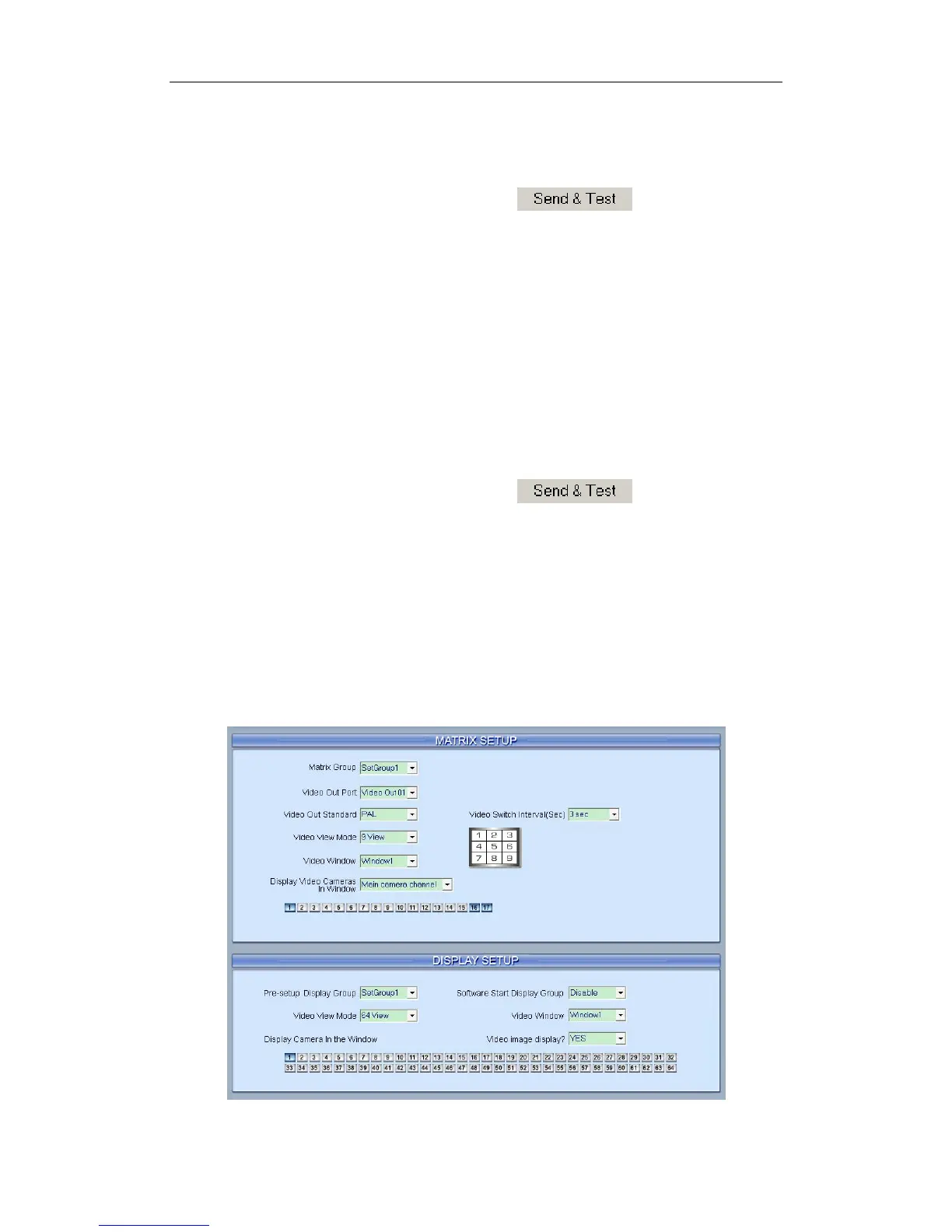
2.6 Matrix & Display Setup
73



 To Next Page