DVR Server Manual
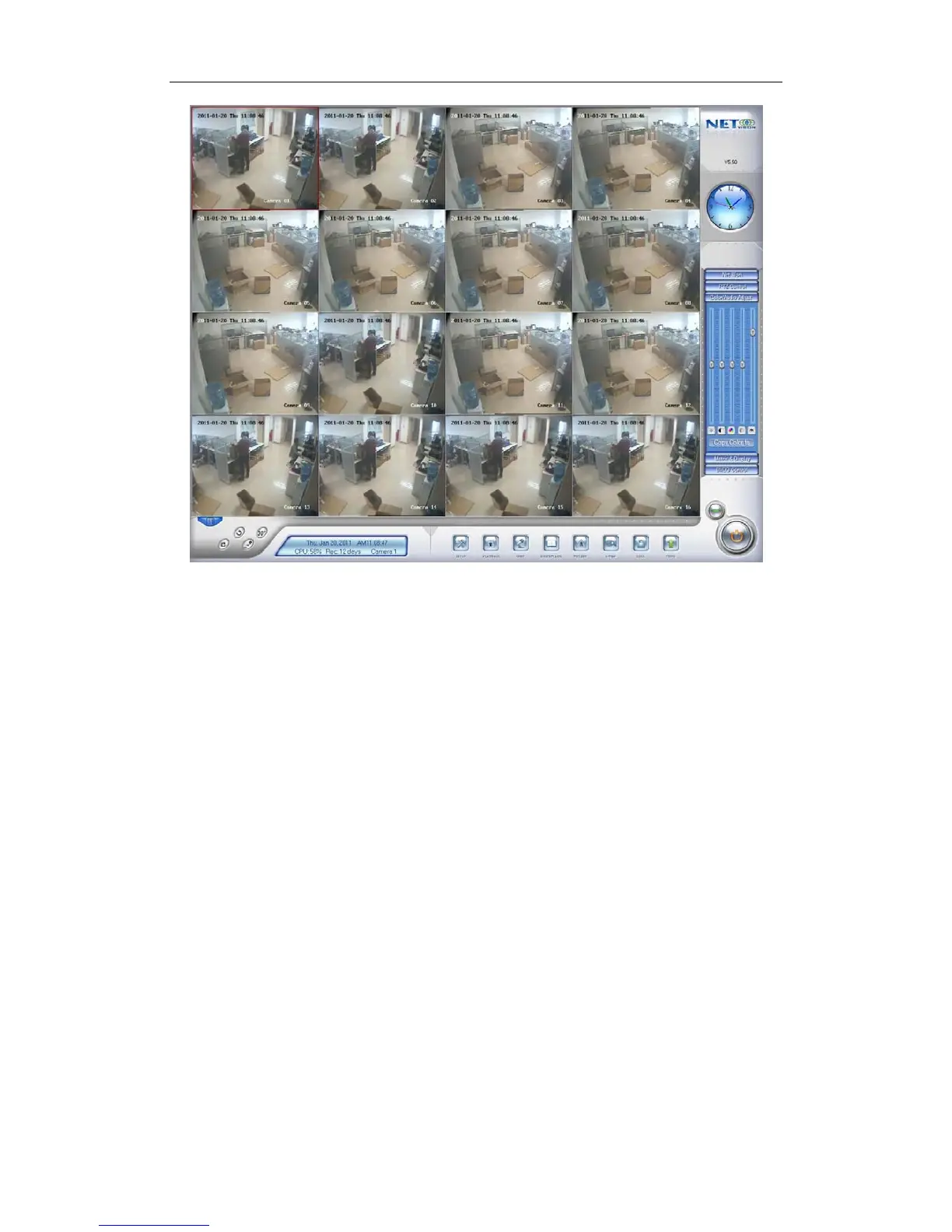
Main interface of DVR Server
Note:
1. When user runs the DVR Server without a valid license for
compression cards or IP products, system will pop up a dialog box to
inform you. System will work under trial version; if you want to use full
version, please contact your supplier or us directly to get it.
2. DVR Server supports several different size of main interface:
1024*768, 1280*768, 1280*1024, 1366*768, 1440*900, 1600*900,
1680*1050 and 1920*1080. When you want to run DVR, the resolution
should be set as 1024*768 at least.
1.4 Main Interface
1.4.1 Show Tips
When the mouse moves closely or stops above a button, a text tip will be
shown to interpret its function immediately;
Zoom in/out video image: Left-Double-Click a camera window to zoom
in/out video image (Or press F11 on the keyboard);
System will detect cards and read the total channel number automatically,
and the corresponding serial number of active will be displayed on information
display panel.
19



 To Next Page