DVR Server Manual
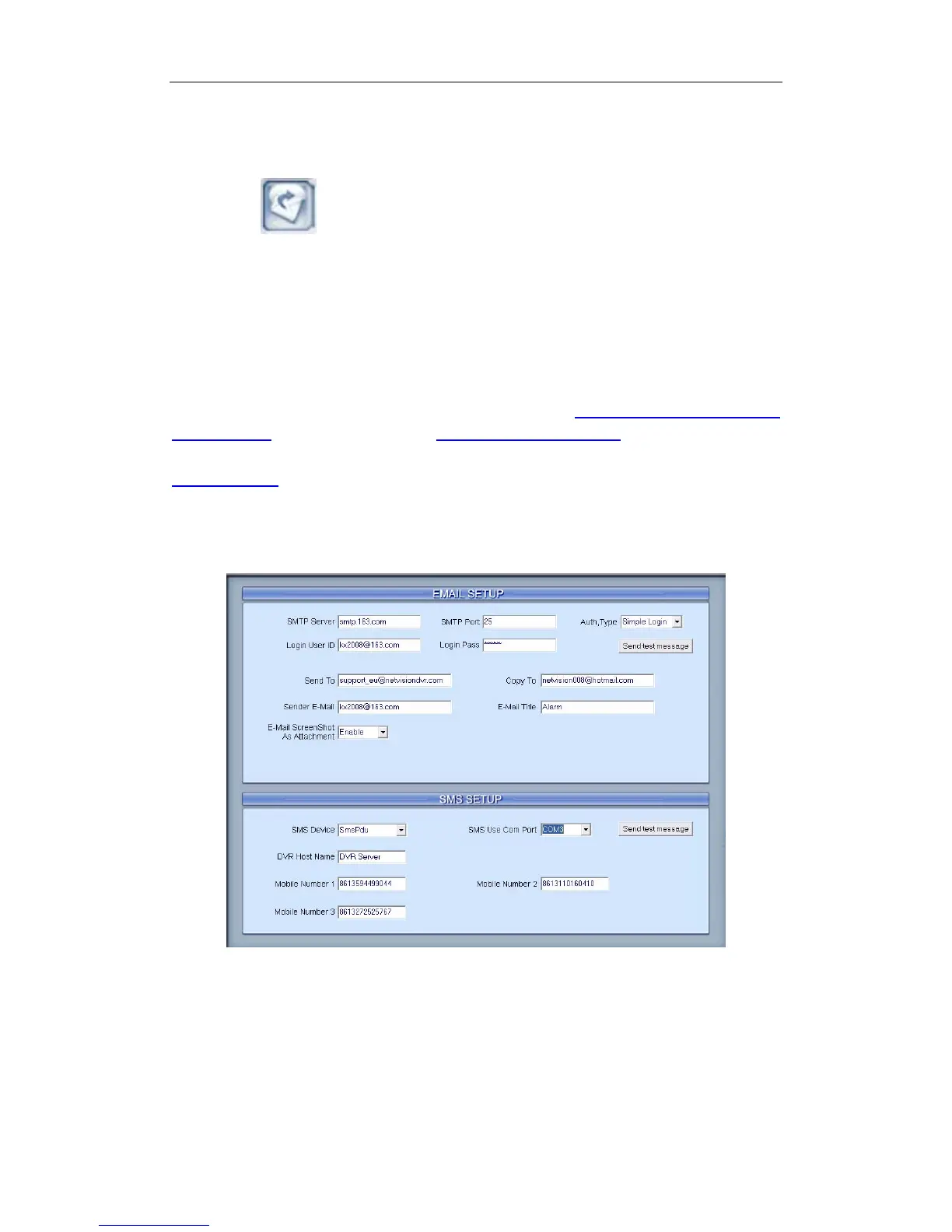
2.5 E-mail & SMS Setup
Press button to enter E-Mail setup:
Note:
Before you set the E-mail setup, you should pay attention to several points
as below:
The alarm that triggers E-mail sending includes two types:
Camera-related alarms (Motion detection alarm & Video loss alarm) and
Sensor-related alarms.
For Camera-related alarms, you should set Motion Detection Area &
Cover Setup and check alarm in Motion Detection Relay. For Sensor-related
alarms, you should set to check sensor and select cameras to be triggered in
Sensor Setup.
When you enable system capture image as attachment of E-mail, the
system will capture a still picture of the alarm camera to be sent as an
attachment of the E-mail.
User can modify GSM modem's communicate parameters manually in
C:\Program Files\DVR Server\SMS_LIB as bellow:
70



 To Next Page