DVR Server Manual
Note:
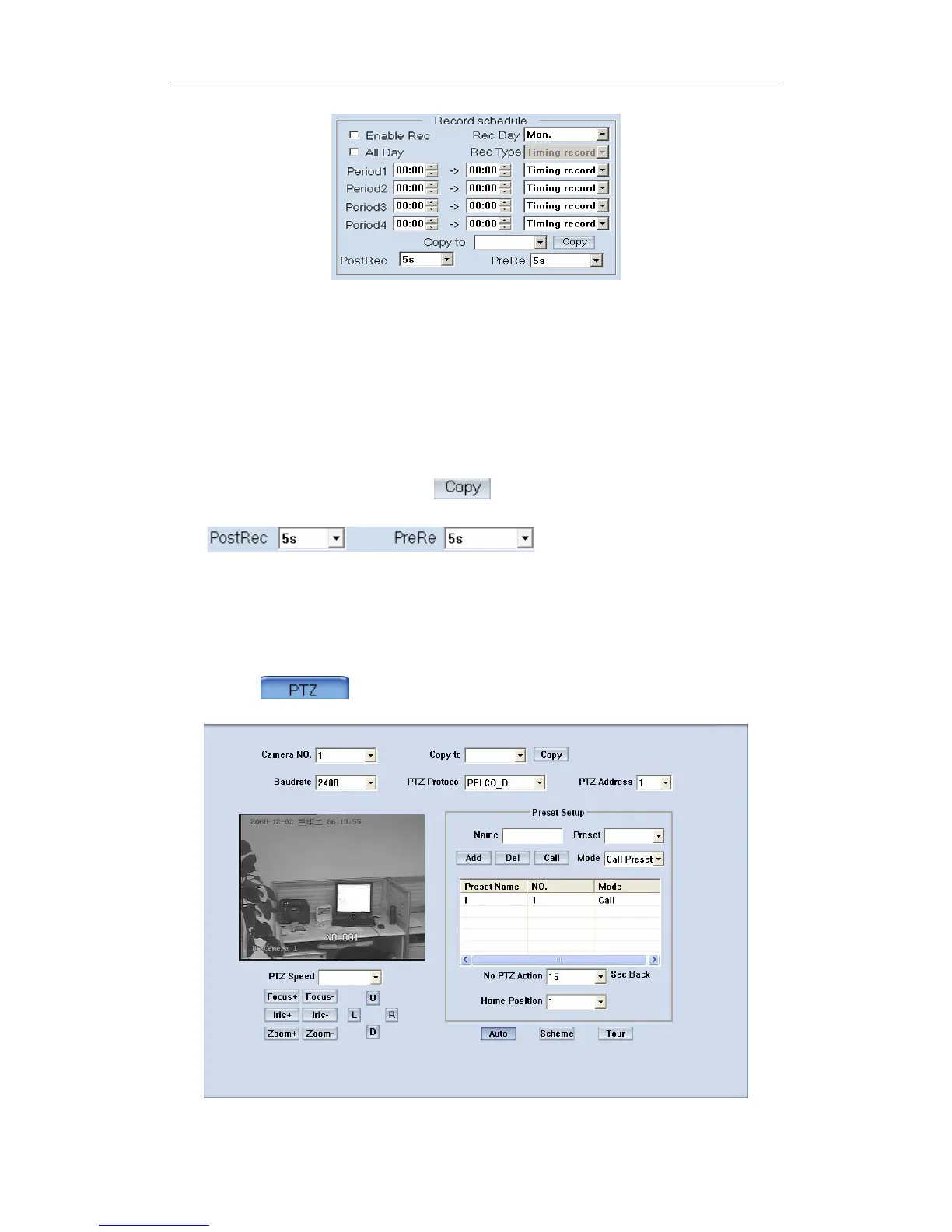
This record schedule is only available to EM-DVR/DVS/ with HDD/SD
card. There are 4 time segments every day. Every segment has a start time, an
end time and a record type. The time segment is set in sequence; every
segment can’t be overlapped, included or skipped with any other.
【Copy to】After finishing one channel, if you want to set any other
channels’ configuration as the same as this camera, you can select channel
number from drop-list, and press button.
Set the time to post or pre
record.
3.4 PTZ Control
Press button to set PTZ.
86



 To Next Page