DVR Server Manual
In this screen, you can define the PTZ protocol and set the Preset Position
as well as the plan to execute them automatically.
【Camera NO.】Select the camera to be set from the drop- list.
【Baud rate】Set baud rate according to PTZ protocol from the drop- list.
【PTZ Protocol】Select the communication protocol for the PTZ camera
from drop-list.
【Copy to】After finishing one channel, if you want to set any other
channels’ configuration as the same as this camera, you can select channel
number from drop-list, and press button.
【PTZ Address】Set the address of the decoder, which must be matched
with the value of dipswitch in the PTZ.
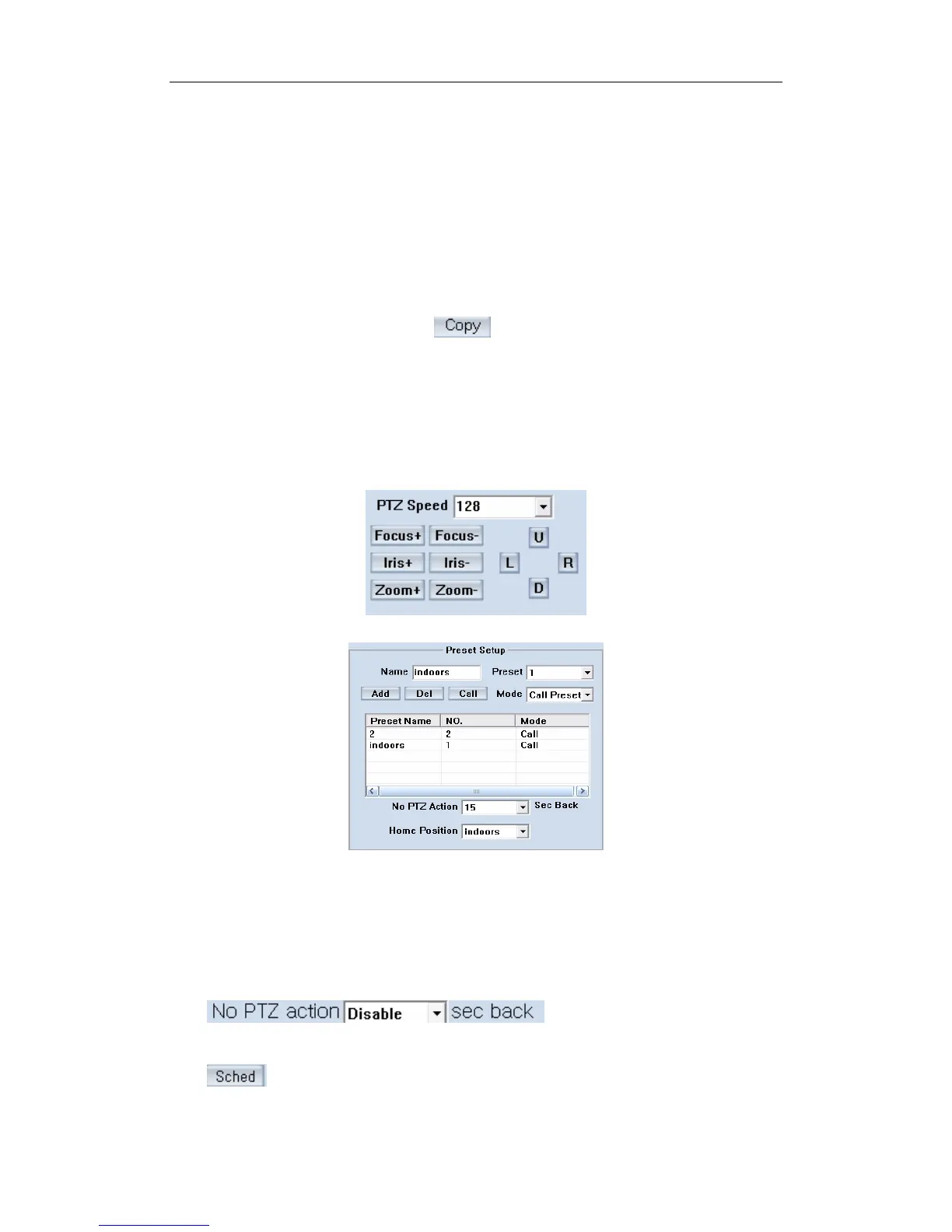
【PTZ Speed】Set the speed of PTZ.
【Preset position & schedule setup】Define preset position and set time
to call preset position automatically. System can add or delete plan time.
【Name】Set the name for the current preset. 【Preset】 Set the preset
number for the current camera. 【 Add 】 Add the preset by current
configuration. 【Del】Delete the finished Preset . 【Call】Call the Preset if the
Mode is Call preset. If the mode is save preset, you should save the preset and
shouldn’t call the preset.
Set disable or how long the
PTZ will come back to the home position when there is no PTZ action.
87



 To Next Page