DVR Server Manual
2.6.1 Matrix Setup
【Matrix Group】System operator can set groups of video images to be
sent out through matrix decode card, each group has different display modes.
Up to 16 groups you can set.
【Video Out Port】Select the output port of Matrix card that you want to
set, the total number of channels is decided by Matrix Decode card.
【Video Out Standard】Set Matrix video out standard, you can select PAL
or NTSC.
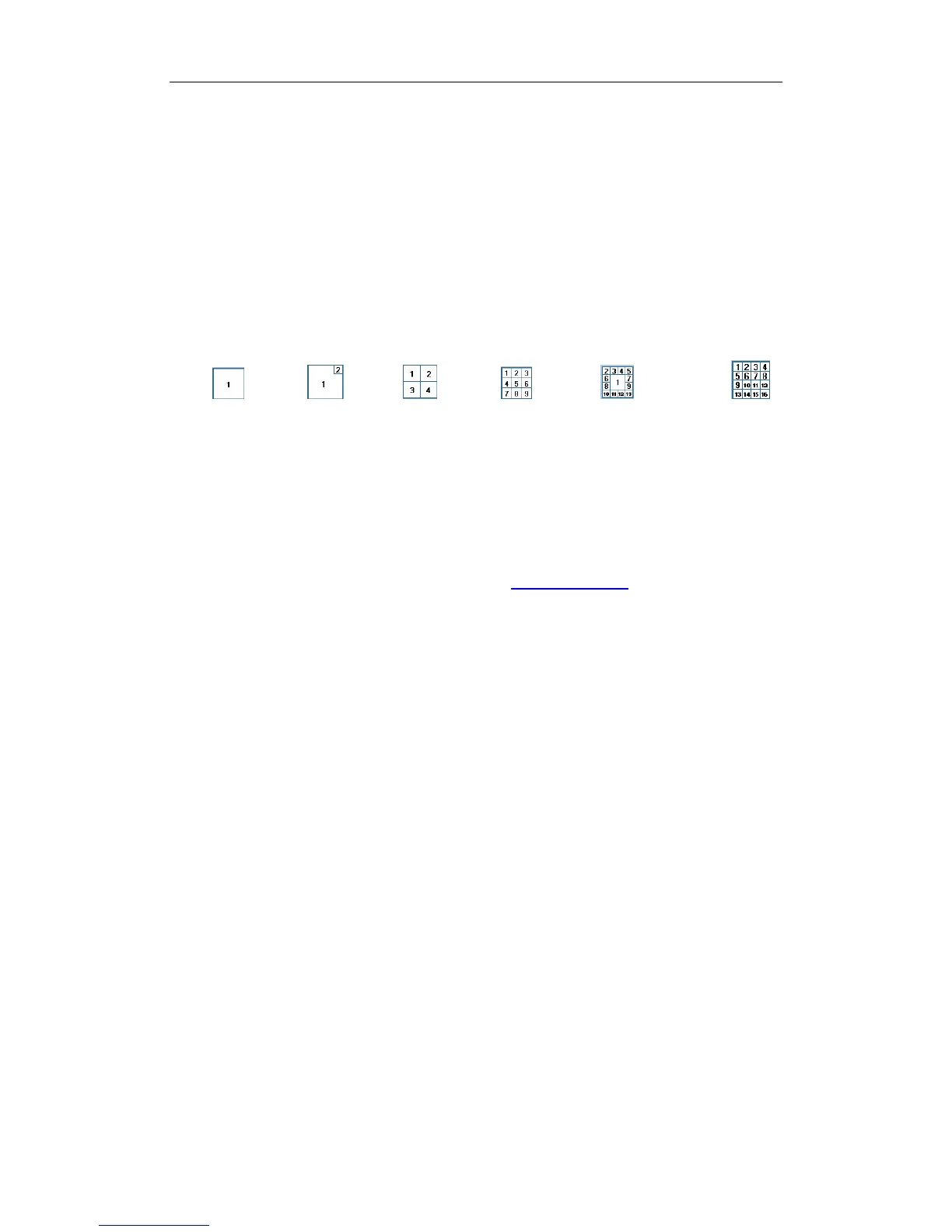
【 Video View Mode】 Select video output display mode, there are
1split
, 2 splits ,4 splits , 9 splits ,13 splits and 16 splits .
【Video Window】【Display Video Camera in window】After selecting
video split mode, there will be corresponding display video window, select one
camera or several cameras to show in a window. The Video cameras you can
select are cameras of the local board cards and IP Cameras. For cameras of
local board cards, system uses soft decoding to play to TV Wall, total channels
of them are not influenced by decoding channels. For IP cameras, system
uses hard decoding; total channels of them are influenced by decoding
channels. For different work modes (set in
IP Camera List), the channels you
can use are different, the available certain channels must be the first certain
channels. If you disable hard decoding by setting in IP Camera list, you can’t
output real-time videos of IP cameras to TV Wall.
【Video Switch Interval(sec)】Set interval that each window shows
cameras circularly when there are more than one camera in it.
Note:
1. One camera is only shown in one window once. But you can show
one camera in 2 windows through switching the main camera channel
and sub camera channel. Also, you can show several cameras in one
window after you set the “Video Switch Interval”.
2. MD card can only decode the data of 40 series card and some IP
cameras. When it is used to decode 42 series card or Mega IP
cameras, there will be no data output.
74



 To Next Page