DVR Server Manual
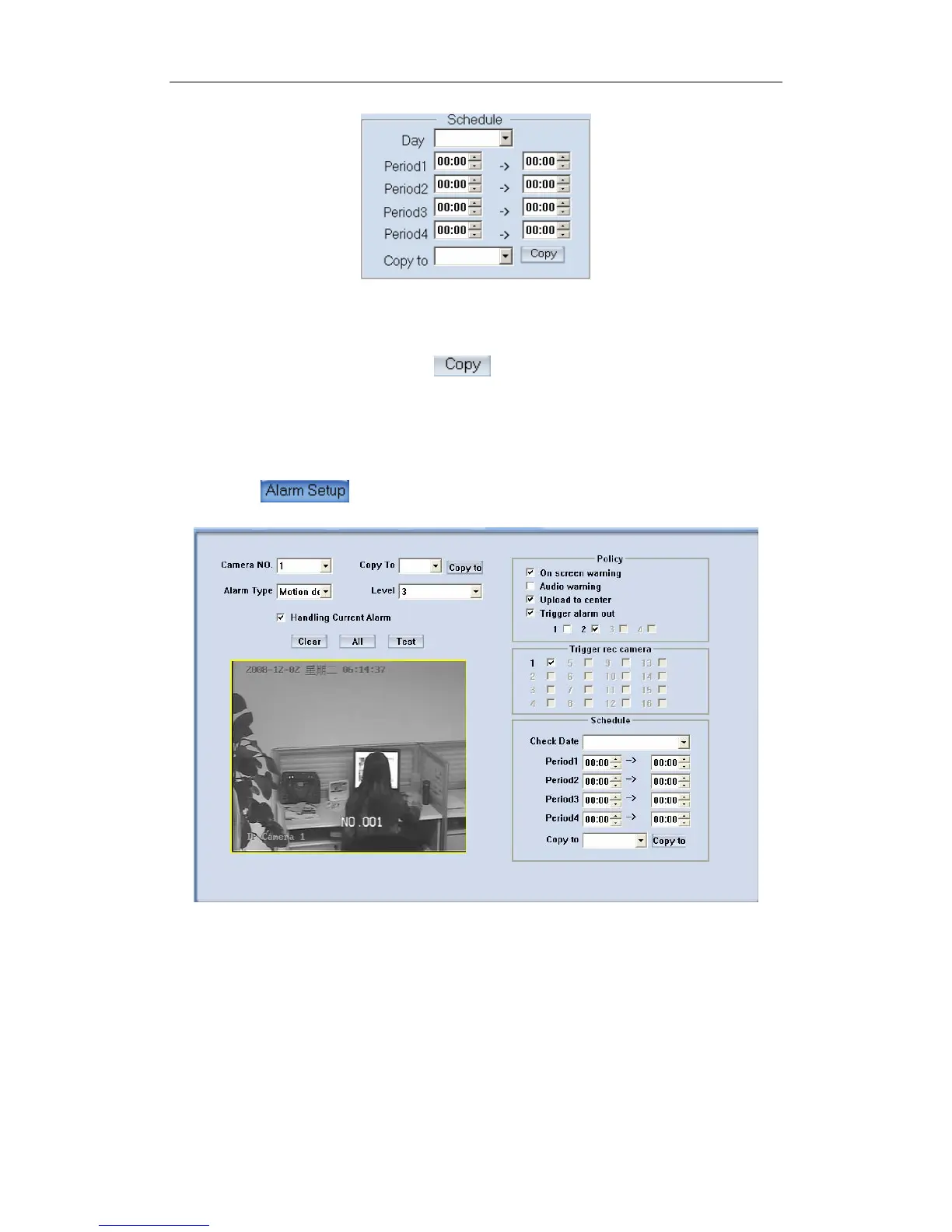
【Copy to】After finishing one channel, if you want to set any other
channels’ configuration as the same as this camera, you can select a channel
number from drop-list, and press button.
3.6 Alarm Setup
Press button to set alarm parameters.
【Camera】Select a camera to be set from the drop-list and you can copy
the configuration to the other cameras by clicking copy button.
【Alarm Type】Select alarm type: Motion detects Tempering alarm and
Video Loss.
【Level】Select sensibility levels from 0 (the lowest level) to 5 (the highest
level) for the alarm.
【Set motion detection areas】Left-click mouse and drag it on the screen
to select motion detect area, you can select the whole area or many areas.
90



 To Next Page