DVR Server Manual
Also, you can clear one or whole area by press the button clear and test the
effect by clicking test button.
【Policy】Selecting “Handling current alarm” firstly, handling policies will
be available as follows:
On screen warning—Display the alarm information on the monitor.
Audio warning—Indicate the alarm with voice.
Upload to center—Update the alarm information to center.
Trigger alarm out—Trigger alarm box to output the alarm.
【Trigger record camera】Set cameras to record triggered by the alarm.
You can select one or more channels. When there is an alarm input, the
cameras will be triggered to record (the record type of the channel is Alarm
Record), and the monitor will switch to preview the cameras (warning on
monitor is enable).
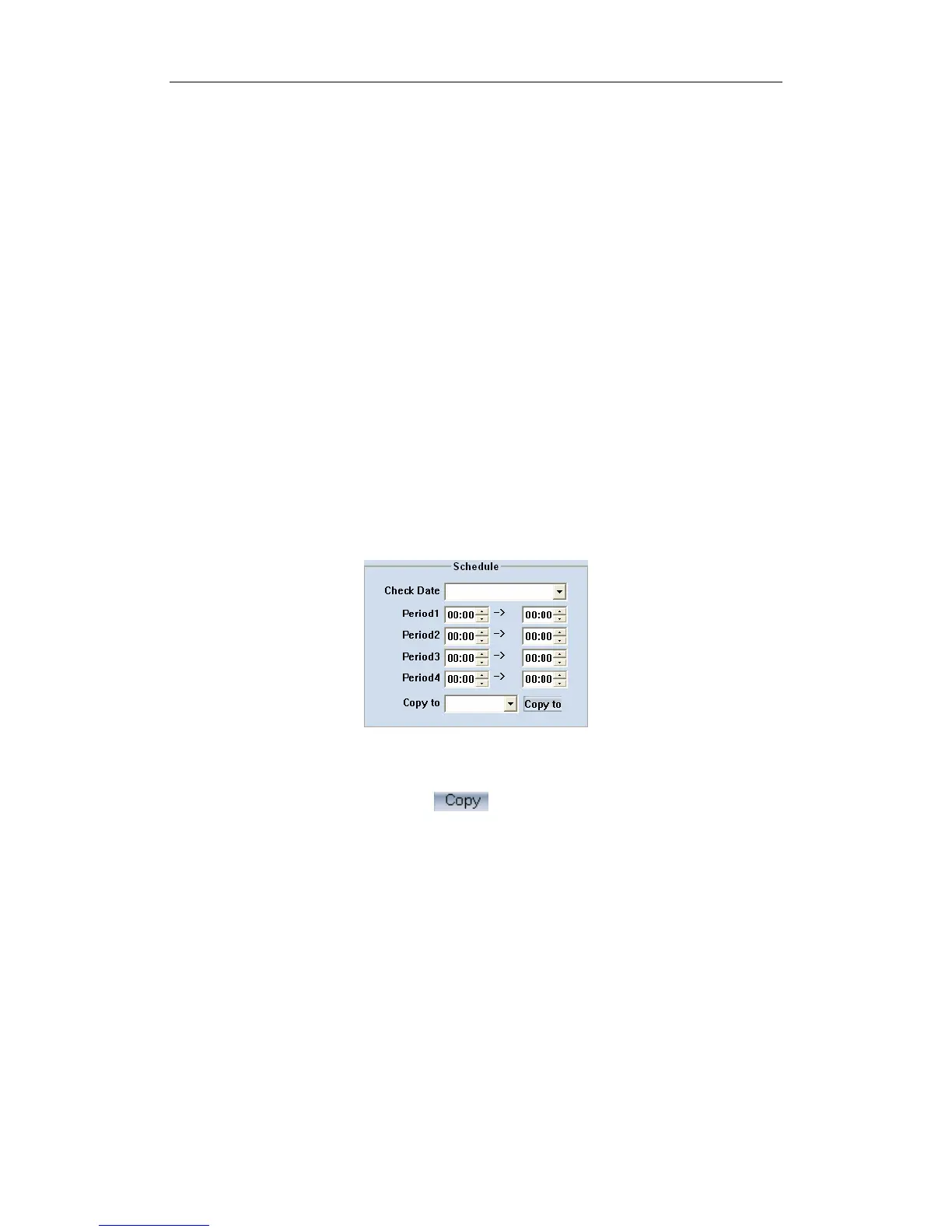
【Schedule】Set alarm input precaution time. Select date firstly, then set
time segment according to the sequence. The time of each segment should
not be overlapped with each other and no skips are allowed. After the
precaution time of a certain day is set, you can copy the parameter to other
dates by select a day and press copy button.
【Copy to】After finishing one channel, if you want to set any other
channels’ configuration as the same as this camera, you can select channel
number from drop-list, and press button.
91



 To Next Page