DVR Server Manual
Chapter5 IE Client
Client user can view video of DVR Server through Internet Explorer. The
default web server port is 80. If user changes it to other port, user should add
this port number after IP or domain name when visiting the video of Server
through Internet Explorer. E.g.: http://192.168.0.119:1280.
Note:
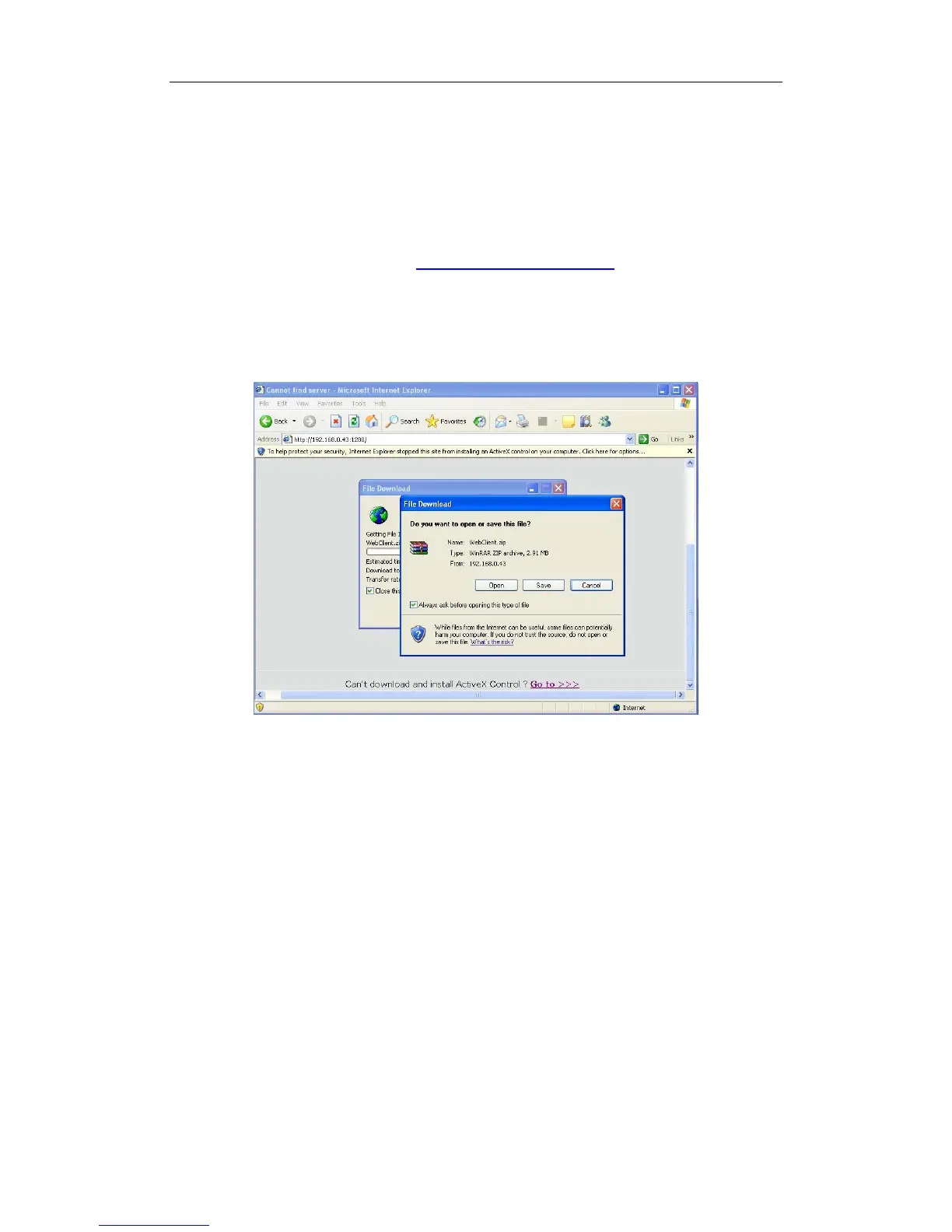
Webclient is updated from this version. If you can’t download and install
Activex automatically, you can download webclient.zip manually via clicking
“Go to”. Then, the following interface will be shown:
Save and install webclient on your PC, so that you can install ActiveX
sucessfully later.
5.1 Functions of IE Client
1. Video display and video storage;
2. Audio input;
3. Searching and playback video image locally or remotely;
4. Control PTZ and speed demo remotely.
5.2 Main Interface
When you connect foreside server successfully, you should input valid
User ID and password in right up of the interface to acquire rights to play video
and other operations. If you can’t connect it, you can refer to help.
109



 To Next Page