DVR Server Manual
You can also keep all channels Sync in pause and Next Frame.
2. Smart Search
(1). Function Introduction:
This function allows users to draw a zone on a video image and do a
search for any motions, missing objects, or unattended object events occurred
in that zone. It can help you find recorded video you are interested in.
Note:
Smart Search accuracy is decided by sensitivity value and threshold in
Motion Setup.
(2). Operation and Example
Press button, then select a search area, the system will play
all motion occurred within this area from previous 3 seconds to next 3 seconds
when the motion occurred. Press this button again will end smart search.
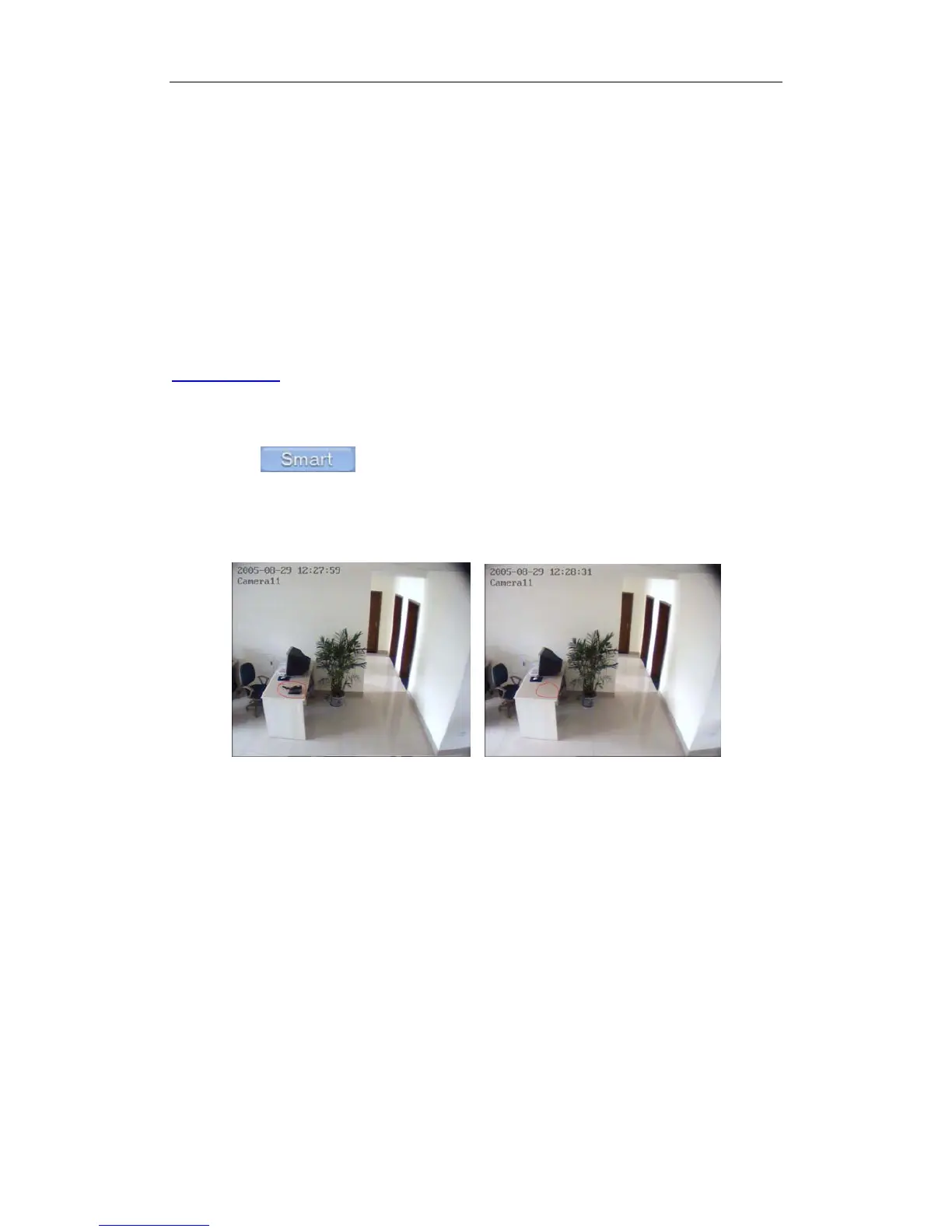
E.g.:
① ②
There is a telephone on the desk (Picture ①);
But it disappeared now (Picture ②);
If you want to know where the telephone is, you can select this area on the
image to do a smart search when playback the video.
94



 To Next Page