DVR Server Manual
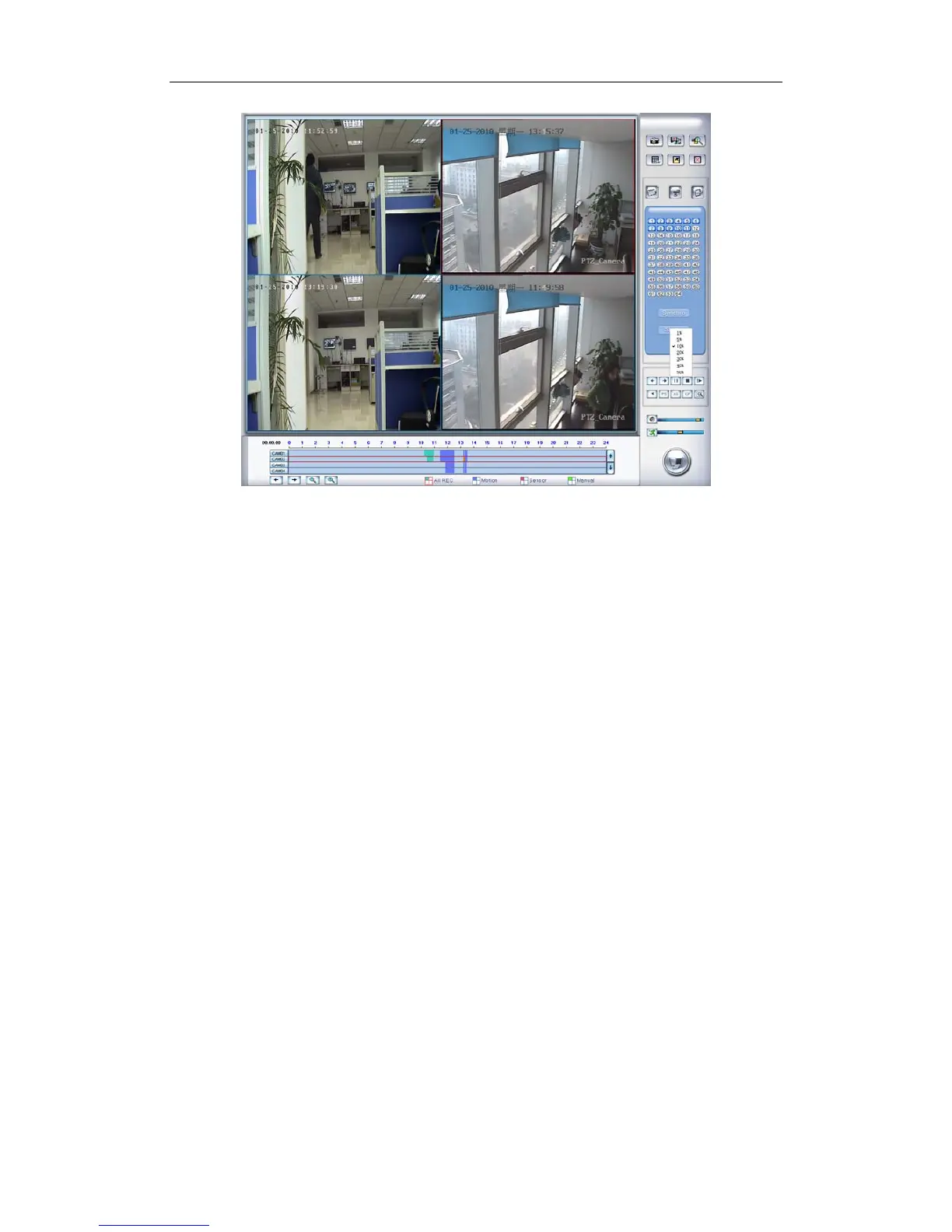
When you press the smart button, you should select the area percent by
single clicking the right mouse, if the motion percent of the area above the
select percent, it will be shown out.
Note:
1. Press synchronic button while smart search is running, system will
end smart search;
2. The sensitivity of the smart search is same as motion detection. If you
set a very low sensitivity, system will search even that there is no
motion in the specified area. Contrarily, if you set a high sensitivity, it is
possible that system will not search when there are some small range
motions in the specified area. So you should set the sensitivity
according to the surroundings.
4.2.4 Select File
95



 To Next Page